2023 was a particularly transformative year for search, witnessing significant advancements in search engine algorithms, artificial intelligence integration, and user experience enhancements.
Understanding the mechanics of each search engine goes beyond mere theoretical knowledge; it’s a strategic imperative for anyone looking to enhance their website’s visibility and drive traffic.
This article provides a comprehensive overview of the seven leading search engines that dominate the market, offering an insightful look into the latest AI advancements reshaping the search landscape.
Additionally, the article features curated links to top resources and articles, offering valuable strategies for effectively marketing to and monetizing these platforms.
This well-rounded approach ensures readers gain a thorough understanding of the current state of search engines and how to leverage their potential in the ever-evolving world of digital marketing.
1. Google
Screenshot from Google.com
With over 81.74% of the search market share, one hardly needs to introduce readers to Google. However, it clearly needs to head up any list of search engines.
Google’s parent company, Alphabet, is now worth about $1.764 trillion as of this writing.
Apart from powering its own search results, Google also provides the search results for a wide array of other engines, including the old favorite Ask.com.
Pros & Cons
The big appeal to ranking on Google is the massive potential traffic.
The downside is that everyone else wants this traffic, making organic search on Google the most competitive and paid search often much more expensive than on other sites.
Further, many argue that Google is moving searchers away from clicking through to websites and toward fulfilling their needs and intents directly on the Google website via SERP features like:
Featured Snippets.
Instant Answers.
Local Pack.
Image Pack.
People Also Ask.
Google Ads.
Shopping Ads.
Product Comparisons.
Top Products.
Related Searches.
Carousels.
Tweets.
Google Hotels.
Google Flights.
Thus making the competition more costly with less potential reward.
Additionally, the recent introduction of Google’s Search Generative Experience (SGE) is poised to create more challenges for marketers, as it will provide an interactive and dynamic search experience by using AI to generate content and answers directly within search results.
This could include synthesized text or composited images that are created in response to specific queries.
Optimization Tips
A few valuable resources on marketing on Google can be found at:
2. YouTube
Screenshot from YouTube
YouTube was founded in 2005 by veterans of PayPal and purchased just over a year later by none other than Google, giving it control over the top two search engines on this list.
YouTube is the second largest search engine, with over 2.5 billion logged-in users per month and over 1 billion hours of video watched on the platform each day.
If you’re curious about the first video uploaded (which has over 300 million views), it’s a 19-second clip of co-founder Jawed Karim at the zoo.
As with Google, it’s easy to see the allure of such massive traffic, but that’s also a pitfall for marketers.
Using YouTube as a vehicle for traffic cannot be underestimated in its impact – if successful.
However, considering that more than 500 hours of video are uploaded to YouTube every minute, it can be challenging to stand out.
With paid opportunities under the Google Ads system, it can also get pricey to compete on that front.
That said, if you can get the attention of your target demographic on YouTube with amazing campaigns such as those by MrBeast or Blendtec, you can get incredible exposure.
Optimization Tips
A few valuable pieces on marketing on YouTube can be found at:
3. Amazon
Screenshot from Amazon
Amazon was launched in 1995 and is considered one of the first large companies to sell goods online.
It started out selling books online but expanded rapidly. In 1999, founder Jeff Bezos won Time’s Person of the Year for making online shopping popular and accessible.
So successful is Amazon that almost half of all online shopping searches begin not at Google (31%) but at Amazon (50%). Amazon’s A9 algorithm is tailored for ecommerce, focusing on purchase intent and user behavior.
Amazon’s acquisition of Cloostermans, a leader in supply chain mechatronics, significantly enhances its warehouse automation capabilities and, coupled with the acquisition of iRobot, a robot company, this suggests we’ll continue to see the company’s influence and expansion further in the future.
Pros & Cons
The pro, as with Google, is obvious: scale.
If you sell blue widgets and you want to be where people search for them, then you want to be on Amazon.
In fact, some can argue, based on the numbers, that having a ton of great and useful content might help you rank on Google and get all those folks trying to figure out what blue widgets are and which one they need – but unless you’re on Amazon, you won’t be where they are when they’re actually looking to convert.
The downside is that the competition is fierce, the pricing and other details are easy to compare vs. competing products, and the cost of selling on Amazon can get pretty high at times.
Your unique value-adds are difficult to convey in a product-centric system. And developments such as Amazon’s decision to slash affiliate payouts introduce additional challenges.
Entering early can be difficult if you don’t have a unique product, as sales and reviews are important for rankings.
For the same reason, well-established companies with good products and reputations can hold their placements well.
There are also CPC options for product promotion. It can be pricey, but you’re also getting the searcher at the buy end of the cycle, so what engine isn’t?
Alexa’s impact on searches and sales is also an area to watch.
To prepare yourself for the possible scenario where Amazon wins (or at least does well in the personal assistant race), the third article below discusses it further.
Optimization Tips
A few valuable pieces on marketing on Amazon can be found at:
4. Microsoft Bing
Screenshot from Bing.com
Bing replaced MSN Search as Microsoft’s answer to Google launched in 2009. It currently has 3.38% of the search market share worldwide and 7.73% in the US.
In recent times, Bing has made significant advancements, particularly with the introduction and development of Bing Chat, recently renamed as Copilot. It allows users to engage in a dialogue with the search engine, posing questions and receiving responses in a conversational format.
Bing has been making a lot of plays in the advertising space in their effort to catch up with Google, adding a number of features to Microsoft Ads and launching pubCenter, an analog of Google AdSense – though they are generally all in efforts to play catch up or bring its system in line with Google’s for import ease and manager familiarity.
Pros & Cons
While Microsoft Bing has innovated with AI chat capabilities and offers unique features, its growth in market share is hindered by the dominant position of Google.
One of the key factors influencing Bing’s market position is the browser ecosystem. Google Chrome, being the most popular web browser globally with 64% market share, naturally drives users towards using Google Search.
Safari, the default browser on Apple devices, also plays a role in Bing’s market challenges. As Safari comes pre-set with Google as its default search engine, the majority of Apple device users are more likely to use Google Search.
While Microsoft Bing doesn’t have the market share that Google has, it is respectable in many markets, including the US and the UK.
Organically, its algorithms aren’t as sophisticated as Google’s.
This gap in sophistication tends to make them easier to understand, predict, and optimize for. While this won’t be an indefinite state, it’s likely to be true for the short-term future.
Due to the lower traffic, fewer SEO pros are vying for the top 10 positions and studying algorithms, providing good ROI for those who do.
On the ad side, there are less sophisticated systems to work with. Due to the lower volume and ease of setup from existing Google Ads campaigns, the lower traffic can easily be made up for by the lower CPC.
Though from experience, I do have to warn you, its understanding of close variants would be laughable if it didn’t bleed so much money. That aside, I have found the ROI can often be better on Microsoft Bing, though the number of conversions is often far lower.
Note: This isn’t to say to simply copy your Google Ads campaigns into Microsoft Ads and be done with it. Each engine needs to be managed individually for its CPC and demographics (resulting in different conversion rates, etc.). However, copying campaigns can greatly speed up the setup process.
Optimization Tips
A few valuable pieces on marketing on Bing can be found at:
5. TikTok
Screenshot from TikTok
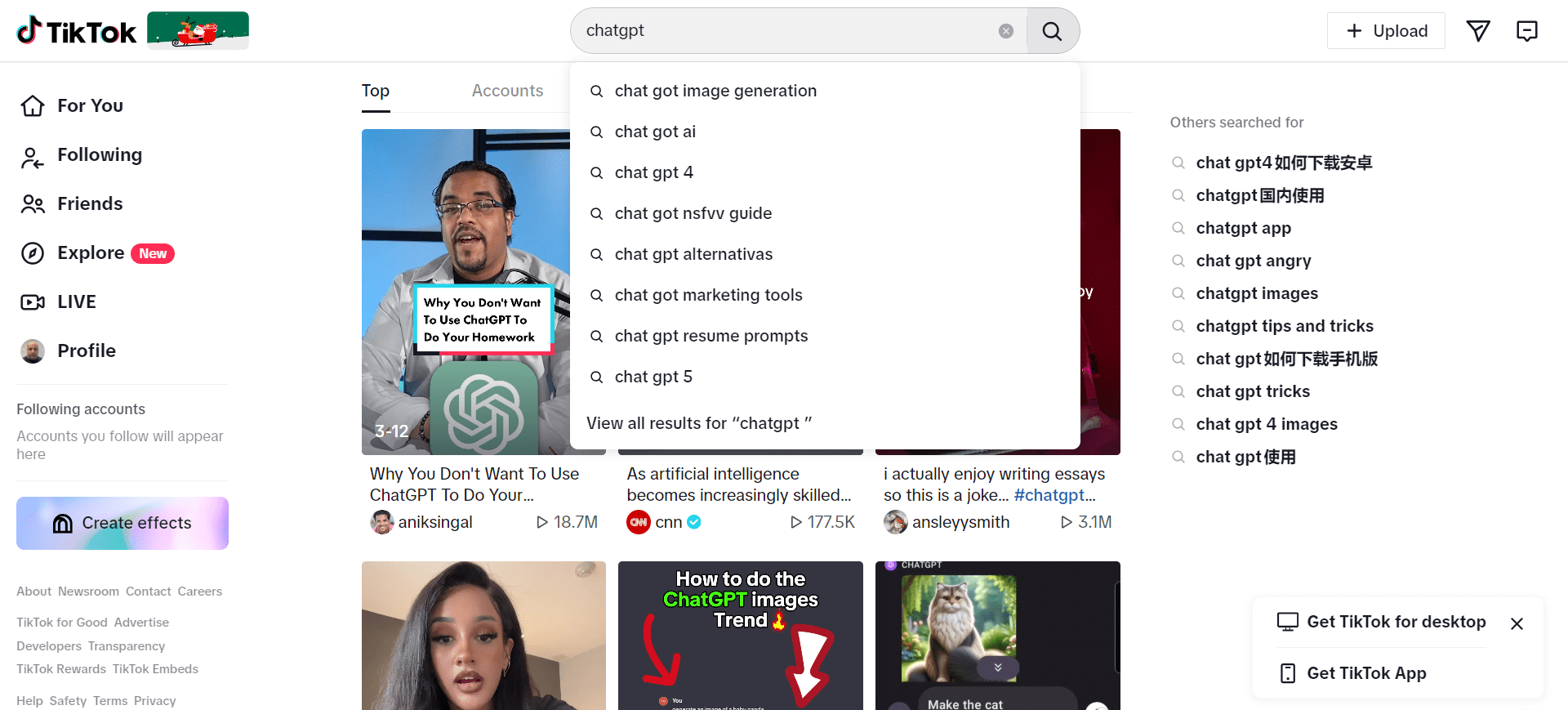
TikTok, with over 1.6 billion users worldwide, is increasingly being utilized as a search engine, as an increasing number of Gen Z individuals are now using TikTok for their search needs.
It is the leading social media platform in terms of the duration users spend on it.
Statistics show that, on average, users globally who have an Android device dedicate approximately 31 and a half hours each month to browsing and engaging on TikTok.
Globally, users are turning to TikTok not just for entertainment but for information and discovery, challenging the traditional dominance of search engines like Google.
Pros & Cons
TikTok’s emergence as a search engine is characterized by high user engagement, with its visually appealing and trend-centric content resonating particularly with younger audiences.
Its adaptability to current trends allows TikTok to provide timely and relevant information.
However, the platform faces challenges regarding the reliability and depth of information, with less transparent search algorithms compared to traditional search engines like Google.
Additionally, while TikTok’s ad capabilities are engaging, they might not match the advanced targeting and analytics offered by Google’s established advertising system.
Optimization Tips And Resources
6. Baidu
Screenshot from Baidu
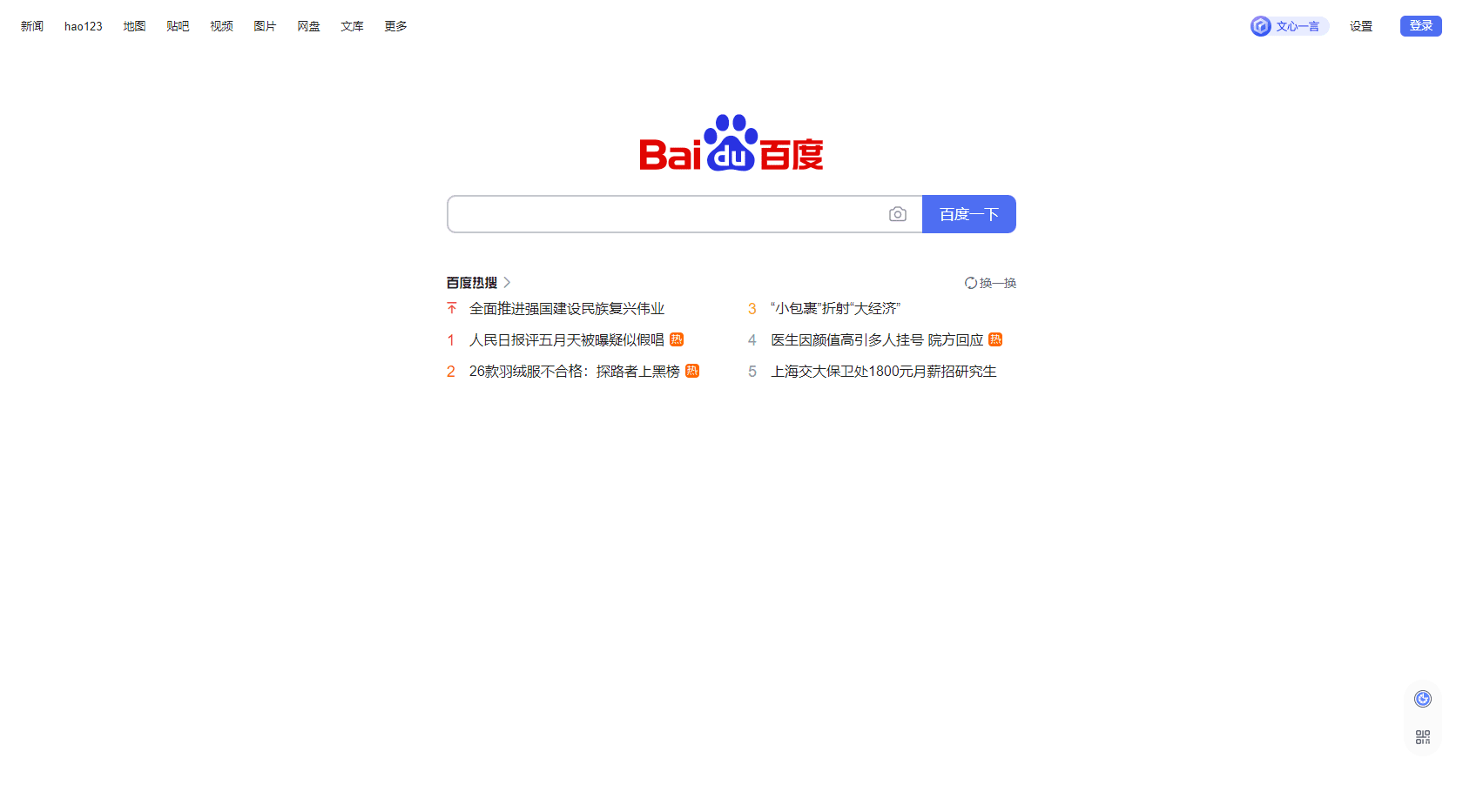
Baidu was founded in 2000 and is the dominant search engine in China, with over 66.52% market share, where Google comes in at 2.34% and Bing at 13.42%.
A pivotal moment in Baidu’s AI journey was its showcase at the WAVE SUMMIT 2023, where it announced substantial enhancements to ERNIE Bot, its knowledge-enhanced large language model (LLM), which has 100 million users as of now.
Outside of China, Baidu holds little influence. Within the country, Baidu powers 3.3 billion searches per day.
Pros & Cons
The downside to Baidu is that it only gives access to one market. The upside is that that market is huge.
That said, it’s critical to understand that accessing the Chinese market is not like accessing any other (such is the curse of international SEO).
The visuals, verbiage, and customs are entirely different than other markets, and Google Translate isn’t going to help you win any customers over.
To access the Chinese market via Baidu, you need someone on staff who speaks the language and understands marketing to the culture (not just “someone on my team who took two years of Mandarin in high school”).
Overall, the organic algorithms are more simplistic than Google’s, and its paid systems can be easier once you’re set up – but that setup is more difficult if you reside outside China.
Optimization Tips
A few valuable pieces on marketing on Baidu can be found at:
7. Yandex
Screenshot from Yandex
Yandex has its roots in a project started by two Russian developers to aid in the classification of patents in 1990 under the company Arkadia.
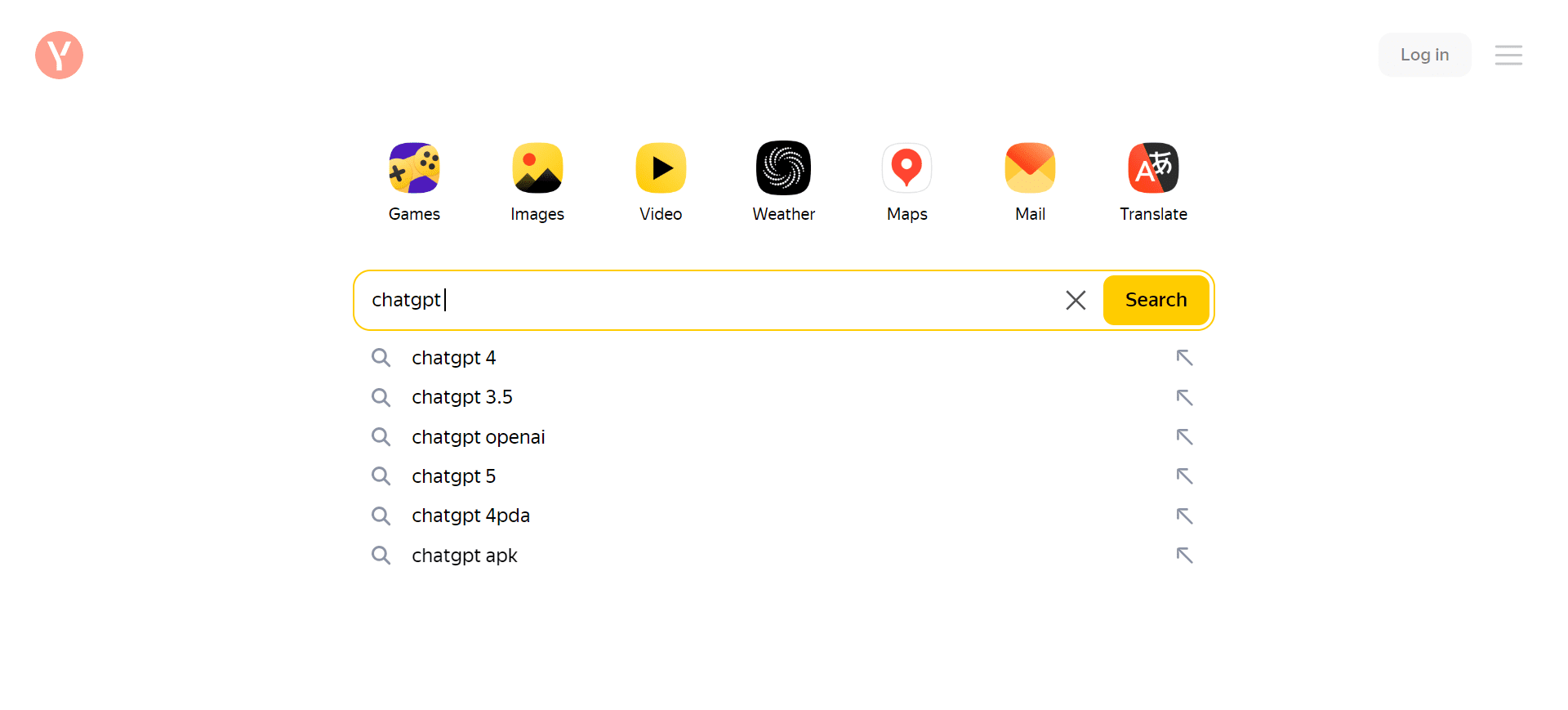
The term Yandex was adopted in 1993, standing for “Yet Another iNDEXer.” The Yandex.ru domain was launched in 1997. It currently powers about 69.79% of all searches in Russia and 1.78% globally.
On January 27, 2023, approximately 44GB of Yandex’s source code was leaked, providing an unprecedented look into the inner workings of the search engine, including its algorithmic structure from A to Z.
This leak was significant not only due to its size but also because it exposed over 17,800 ranking factors used by Yandex for website ranking in search results.
Pros & Cons
As with most smaller engines (compared to Google, at least), there is less traffic on Yandex – but the competition is lower, both organically and in paid.
The algorithms used by Yandex are less sophisticated than Google’s and well known; thus, easier to assess and optimize for.
Now the bad news: While Yandex’s algorithms are less sophisticated than Google’s, they have elements that make it difficult for outsiders – including a higher weighting on geolocation.
The paid system is obviously more flexible in this regard, and compared to Google, Facebook, and Microsoft Bing, it tends to be less expensive per click.
For example, ranking #1 for “casino” would cost over $55 per click in the US and only $0.82 on Yandex. Of course, that’s an English word, but even the Russian “казино” is only $1.54.
Optimization Tips
A few valuable pieces on marketing on Yandex can be found at:
Conclusion
Understanding the nuances of different search engines is essential for effective digital marketing and SEO strategies.
Platforms like YouTube and TikTok are redefining what it means to online search, extending beyond traditional text-based queries to multimedia content.
Meanwhile, engines like Baidu and Yandex cater to specific regional markets with tailored functionalities.
As we continue to witness technological advancements and shifts in user behavior, the landscape of online search and advertising will keep evolving.
Marketers and SEO professionals must stay informed and adaptable to leverage these platforms effectively.
Those interested in exploring further insights can read our article about Google alternatives.
This resource offers a broader perspective on the diverse range of search engines available, providing valuable knowledge for those looking to expand their digital marketing vision.
More resources:
Featured Image Credit: Search Engine Journal/Paulo Bobita
Google completely revamped their SEO Starter Guide in a way that shows five ways to create a focused webpage that inspires trust and a positive user experience.
1. Topic-Rich Links
Being useful to readers is a practical approach to web content. The recent Google anti-trust trial revealed that user interactions are a strong ranking influence in Google’s algorithm that is known as Navboost. A patent that may be about Navboost describes how user interactions create a document-level score that can help a site rank better. That means creating a document that encourages positive user interaction signals may help a site rank better (read about what may be the Navboost patent).
The old version of the document had sentence-level internal links to other webpages but they weren’t always semantically relevant within the context and didn’t use anchor text that adequately described the linked-webpage.
Here’s an example of how a link to a site map explainer webpage was improved.
The old version linked to the explainer with this entire sentence:
“Learn more about how to build and submit a sitemap.”
The new version links to the same page like this (linked words in bold):
“If you’re open to a little technical challenge, you could also submit a sitemap—which is a file that contains all the URLs on your site that you care about.”
Topic-rich internal links are a useful way to create an internal link to another webpage that is useful to readers because the context of the link is the topic which makes more sense than linking to another webpage that lacks the context. .
2. Orderly Page Structure
The most obvious change is how much shorter the starter guide is compared to the old version. The original webpage contained approximately 8,639 words. The updated document contains about 4,058 words. The new version of the SEO starter guide is 53% smaller than the original one.
Further, the original contained 92 heading elements, from H1 to H5. The updated document contains 27 heading elements ranging from H1 to H3.
The interesting part is that the starter guide shrunk by 53%, but the use of heading elements declined by 71%. That means that if the rate of heading use had stayed the same, the updated document would have contained a relatively equal percentage of headings (53%) but it didn’t stay the same.
The actual percentage of change was 71% less, which represents and absolute difference of 18% but is almost twice that in relative terms, which is the most important measure. The relative difference in use of headings reveals that Google used 34% less headings in the new version.
These changes have the effect of giving the entire document cohesiveness, with all the parts logically flowing one into the other.
3. Topic-Focused
The reason why there are less headings used in the revised SEO starter guide is because it no longer covers granular sub-sub-sub-topics. The old version used 31 H4 heading elements and 12 H5 heading elements.
A consequence of the new webpage structure is that the updated version is more tightly focused on the topic, giving the absolute necessary information while providing readers with the option of following a contextually relevant link to another webpage with more information.
The shorter format makes it easier for a reader to understand the topic in its entirety as one focused-document.
The number of topics covered in the new webpage is roughly the same as the old webpage (new = 11 topics/old = 12 topics). The main difference is in the tighter focus on the topic.
These are the main topics of the new webpage:
[H2] How does Google Search work?
[H2] How long until I see impact in search results?
[H2] Help Google find your content
[H2] Organize your site
[H2] Make your site interesting and useful
[H2] Influence how your site looks in Google Search
[H2] Add images to your site, and optimize them
[H2] Optimize your videos
[H2] Promote your website
[H2] Things we believe you shouldn't focus on
[H2] Next steps
Here are the main topics of the previous webpage version:
[H2] Who is this guide for?
[H2] Getting started
[H2] Help Google find your content
[H2] Tell Google which pages you don't want crawled
[H2] Help Google (and users) understand your content
[H2] Manage your appearance in Google Search results
[H2] Organize your site hierarchy
[H2] Optimize your content
[H2] Optimize your images
[H2] Make your site mobile-friendly
[H2] Promote your website
[H2] Analyze your search performance and user behavior
Only five topics were carried over to the new starter guide:
Help Google find your content
Organize your site
Make your site interesting and useful (subtopic in old version)
Avoid distracting advertisements (subtopic in old version)
Promote your website
These are the discarded as main topics:
[H2] Who is this guide for?
[H2] Getting started
[H2] Tell Google which pages you don't want crawled
[H2] Help Google (and users) understand your content
[H2] Manage your appearance in Google Search results
[H2] Optimize your content
[H2] Optimize your images
[H2] Make your site mobile-friendly
[H2] Analyze your search performance and user behavior
[H2] Additional Resources
4. Concise Is Sometimes Better Than Comprehensive
The context of reading an article on a mobile device has completely changed how content is consumed. Content is consumed on a need-to-know basis. Pre-mobile, it was impossible to look something up on the Internet without having to get up and walk to the nearest desktop computer or laptop. Now, whatever information is needed, no matter how trivial, is just a few clicks away and what’s needed isn’t always a comprehensive article.
Leaving aside the convenience of anytime/anywhere content, it’s inconvenient to scroll over a hundred times to read a long article.
What the new webpage accomplishes is a compromise of providing a precisely on-topic webpage that is also comprehensive without being unrealistically long.
5. Similar Image Elements
Lastly, the images on the new webpage share similar colors and design. The old version had colors that varied widely, with one that’s yellow, another bright red, another had photos in it. Many of the images felt like they were players from different teams, like teammates wearing different uniforms.
Even if you’re using stock images, picking images from the same artist will help promote a sense of cohesiveness to the webpage.
The new webpage, because the images feature similar colors, makes the entire webpage more focused and confers a professionalism which in turn can inspire trust.
Takeaways
There are probably more takeaways but these are what stand out for me:
1. Topic-Rich Links Enables a concise reading experience and provides links where they make sense for a reader.
2. Orderly Page Structure Topic order provides a logical progression from one topic to the next, like doors opening onto the next room one after the other in a linear manner, which makes it easier to consume the entire document as a whole.
3. Keep Tightly Focused On The Topic Off-topic segues are distracting. Keeping to the topic creates a better reading experience and might increase comprehension of the overall topic.
4. Concise Is Sometimes Better Than Comprehensive Too much information can be confusing, especially when it’s more than is needed for a given topic.
5. Similar Image Elements Attention to details like the images and graphics within the webpage confers a professional presentation which may encourage trust. Even when using stock images, keeping to the same artist portfolio will enforce visual similarity.
Google has officially retired the “cached” link feature that allowed users to access archived backups of websites.
The cached links were a longtime staple of Google Search, functioning as a way to view unavailable or changed webpages.
“It was meant for helping people access pages when way back, you often couldn’t depend on a page loading. These days, things have greatly improved. So, it was decided to retire it,” said Google Search Liaison Danny Sullivan in a statement confirming the change.
Sullivan mentioned the possibility of Google partnering with the Internet Archive’s Wayback Machine to show historical versions of web pages in Google’s “About This Result” feature. However, he clarified that these discussions are ongoing and any collaboration is unconfirmed.
For website owners and developers who want to see how Google’s crawler interprets their pages, Sullivan recommended using the URL Inspector tool in Google Search Console, which remains available as a resource.
The Cost Of Data Storage
Previously, cached links were accessible via a dropdown menu next to every search result. As Google’s web crawler indexed the internet, it created backups of websites – amounting to an archive of much of the internet’s content.
With Google’s recent focus on cost savings, deleting this cache data will free up computing resources.
The cached link feature has been sporadically disappearing over the past few months. Currently, no cache links are visible in Google Search results. All Google support pages regarding cached links have also been removed.
The Internet Archive’s Increasing Role
With Google retiring cached links, archiving websites largely falls to the Internet Archive and its Wayback Machine.
Browser extensions like the Official Wayback Machine Extension allow users to view archived copies of sites easily.
The Wayback Machine Extension provides features to save webpages, restore missing pages, read digitized books, share archived links on social media, and more. Most features work without needing an account.
Building Personal Cache Links
An alternative exists for users who still wish to access cached pages. Typing “cache:” plus a URL into Google Search can still reveal some cached versions.
Additionally, you can create your own cache links by appending a website URL to “https://webcache.googleusercontent.com/search?q=cache:”
Looking Ahead
Google’s decision to discontinue its web caching service signals a change in how online content is stored and made available over time. With Google removing this feature, the responsibility for preserving old versions of webpages and keeping Internet history intact falls more heavily on groups like the Internet Archive.
As the online world keeps developing rapidly, entities like the Archive that intentionally maintain caches of websites and data will only grow more important for retaining a record of the internet’s past.
There’s been a lot of speculation of what Navboost is but to my knowledge nobody has pinpointed an adequate patent that could be the original Navboost patent. This patent from 2004 closely aligns with Navboost
So I took the few clues we have about it and identified a couple likely patents.
The clues I was working with are that Google Software Engineer Amit Singhal was involved with Navboost and had a hand in inventing it. Another clue is that Navboost dated to 2005. Lastly, the court documents indicate that Navboost was updated later on so there may be other patents in there about that, which we’ll get to at some point but not in this article.
So I deduced that if Amit Singhal was the inventor then there would be a patent with his name on it and indeed there is, dating from 2004.
Out of all the patents I saw, the two most interesting were these:
Systems and methods for correlating document topicality and popularity 2004
Interleaving Search Results 2007
This article will deal with the first one, Systems and methods for correlating document topicality and popularity dating from 2004, which aligns with the known timeline of Navboost dating to 2005.
Patent Does Not Mention Clicks
An interesting quality of this patent is that it doesn’t mention clicks and I suspect that people looking for the Navboost patent may have ignored it because it doesn’t mention clicks.
But the patent discusses concepts related to user interactions and navigational patterns which are references to clicks.
Instances Where User Clicks Are Implied In The Patent
Document Selection and Retrieval: The patent describes a process where a user selects documents (which can be inferred as clicking on them) from search results. These selections are used to determine the documents’ popularity.
Mapping Documents to Topics: After documents are selected by users (through clicks), they are mapped to one or more topics. This mapping is a key part of the process, as it associates documents with specific areas of interest or subjects.
User Navigational Patterns: The patent frequently refers to user navigational patterns, which include how users interact with documents, such as the documents they choose to click on. These patterns are used to compute popularity scores for the documents.
It’s clear that user clicks are a fundamental part of how the patent proposes to assess the popularity of documents.
By analyzing which documents users choose to interact with, the system can assign popularity scores to these documents. These scores, in combination with the topical relevance of the documents, are then used to enhance the accuracy and relevance of search engine results.
Patent: User Interactions Are A Measure Of Popularity
The patent US8595225 makes implicit references to “user clicks” in the context of determining the popularity of documents. Heck, popularity is so important to the patent that it’s in the name of the patent: Systems and methods for correlating document topicality and popularity
User clicks, in this context, refers to the interactions of users with various documents, such as web pages. These interactions are a critical component in establishing the popularity scores for these documents.
The patent describes a method where the popularity of a document is inferred from user navigational patterns, which can only be clicks.
I’d like to stop here and mention that Matt Cutts has discussed in a video that Popularity and PageRank are two different things. Popularity is about what users tend to prefer and PageRank is about authority as evidenced by links.
Matt defined popularity:
“And so popularity in some sense is a measure of where people go whereas PageRank is much more a measure of reputation.”
That definition from about 2014 fits what this patent is talking about in terms of popularity being about where people go.
Watch the YouTube Video: How does Google separate popularity from authority?
How The Patent Uses Popularity Scores
The patent describes multiple ways that it uses popularity scores.
Assigning Popularity Scores: The patent discusses assigning popularity scores to documents based on user interactions such as the frequency of visits or navigation patterns (Line 1).
Per-Topic Popularity: It talks about deriving per-topic popularity information by correlating the popularity data associated with each document to specific topics (Line 5).
Popularity Scores in Ranking: The document describes using popularity scores to order documents among one or more topics associated with each document (Line 13).
Popularity in Document Retrieval: In the context of document retrieval, the patent outlines using popularity scores for ranking documents (Line 27).
Determining Popularity Based on User Navigation: The process of determining the popularity score for each document, which may involve using user navigational patterns, is also mentioned (Line 37).
These instances demonstrate the patent’s focus on incorporating the popularity of documents, as determined by user interaction (clicks), into the process of ranking and correlating them to specific topics.
The approach outlined in the patent suggests a more dynamic and user-responsive method of determining the relevance and importance of documents in search engine results.
Navboost Assigns Scores To Documents
I’m going to stop here to also mention that this patent mentions assigning scores to documents, which is how Google executive Eric Lehman described in the trial how Navboost worked:
Speaking about the situation where there wasn’t a lot of click data, Lehman testified:
“And so I think Navboost does kind of the natural thing, which is, in the face of that kind of uncertainty, you take gentler measures. So you might modify the score of a document but more mildly than if you had more data.”
That’s another connection to Navboost in that the trial description and the patent describe using User Interaction for scoring webpages.
The more this patent is analyzed, the more it looks like what the trial documents described as Navboost.
Google has announced that its new Interaction to Next Paint (INP) metric will officially replace First Input Delay (FID) as a Core Web Vital on March 12.
INP measures when a user interacts with a page (e.g., clicking a button) to when the browser can render the changed pixels to the screen. It aims to capture aspects of interactivity that FID didn’t.
Evolving Web Metrics
FID, which measured the time to first paint after a user’s first interaction, was introduced in 2018 as part of Google’s Web Vitals initiative. Web Vitals provides metrics to help web developers optimize critical aspects of the user experience.
Over time, Google realized FID’s limitations in assessing interactivity, leading to INP’s introduction as an experimental metric in May 2022. After a transition period as a ‘pending metric,’ Google has confirmed that INP will officially replace FID in March.
Preparing For Change
As the INP transition approaches, developers should verify if their website’s INP meets the “good” threshold, which reflects performance at the 75th percentile of page loads.
For sites not currently meeting the “good” INP threshold, Google recommends taking these steps to optimize for the transition:
Evaluate current INP performance using tools like PageSpeed Insights and Chrome’s User Experience Report.
Diagnose issues slowing down INP, like long JavaScript tasks, too much main thread activity, or a large DOM.
Optimize problematic areas following Google’s optimization guides. This may involve streamlining JavaScript, reducing input delay, simplifying the DOM structure, or refining CSS selectors.
Broader Implications For Web Development
Google’s implementation of INP as a Core Web Vital could impact web development and user experience in several ways:
INP scores may influence websites’ search engine rankings and user engagement, as Google uses Core Web Vitals in its ranking algorithm.
Web development practices may evolve to focus more on optimizing interaction readiness, which could require application architecture and code changes.
Performance monitoring tools and strategies may need to be updated to track and analyze the new INP metric.
In Summary
As Google transitions to the INP metric in March, web developers should evaluate their site’s performance and take steps to optimize areas impacting interactivity.
With interactivity becoming a more significant factor in search rankings and user engagement, developers should prepare now to ensure a smooth changeover.
Google has announced the rollout of a new search feature called “Circle to Search” that allows users to quickly look up information on their mobile devices with simple gestures like circling, highlighting, or scribbling.
The feature is launching globally on the new Pixel 8 and 8 Pro phones and the Samsung Galaxy S24 series.
With Circle to Search, you can search for more details on anything you see while browsing the web or social media.
You can find related information without switching apps or typing a search query by long-pressing the home button and circling or scribbling an item.
In a blog post, Google outlines five key ways Circle to Search can be used.
1. Shopping For Items Seen Online
You can circle or scribble over images of products to find shopping options from across the web.
This allows easy price comparisons and purchasing of items spotted on social media or in videos.
2. Looking Up Definitions
Words or phrases can be highlighted to pull up definitions and relevant background information without leaving the app you’re currently in.
3. Travel Inspiration
Interesting buildings or landmarks spotted in videos or posts can be circled to identify them and get more details that may inspire travel plans.
4. Comparing Options
Names of restaurants, stores, or other options mentioned in texts or chats can be highlighted to view information like menus, reviews, and locations to compare choices.
5. Asking Complex Questions
Circle to Search uses AI to provide an overview, answering broader questions about trending topics or items that have sparked curiosity.
In Summary
Google’s Circle to Search offers an intriguing new way to look up information while browsing on their mobile devices.
For content creators and SEO professionals, this feature presents an opportunity to optimize written and visual content to be more discoverable by gesture searches.
As Circle to Search rolls out more broadly, it will be interesting to see how it shapes search behavior and the strategies used to meet evolving user needs. For now, developing mobile-friendly content anticipating people’s desire for quick access to knowledge could provide a competitive advantage.
Alphabet, the parent company of Google, announced its financial results for Q4 and the full year of 2023.
Alphabet’s CEO, Sundar Pichai, was pleased with the company’s ongoing success. He pointed to gains in Google Search advertising, YouTube ad revenue, and demand for Google Cloud products and services.
“We are pleased with the ongoing strength in Search and the growing contribution from YouTube and Cloud. Each of these is already benefiting from our AI investments and innovation. As we enter the Gemini era, the best is yet to come,” said Pichai.
Ruth Porat, CFO of Alphabet, also reflected on the company’s financial health, stating, “We ended 2023 with very strong fourth-quarter financial results, with Q4 consolidated revenues of $86 billion, up 13% year over year. We remain committed to our work to durably re-engineer our cost base as we invest to support our growth opportunities.”
Earnings Report Highlights
Alphabet announced Q4 revenues of $86.31 billion, up 13% compared to last year. Operating income for the quarter reached $23.7 billion, an increase from $18.16 billion in Q4 2021.
For 2023, Alphabet’s total revenues were $307.39 billion, representing 9% growth over the previous year.
The company attributed its ongoing revenue growth to investments in AI technology, which drove the expansion of Alphabet’s service offerings and cloud computing business.
Further details from the earnings release and call can be found on Alphabet’s investor relations website.
Highlights Of Earnings Call Webcast
AI: The New Frontier in Search
During Alphabet’s fourth-quarter 2023 earnings call webcast, Pichai discussed the company’s strategic focus on leveraging advanced AI models across its products and services.
He reported early results from integrating AI models like Gemini into Google Search to enhance the user experience and advertiser performance.
Pichai stated that early testing of Google’s Search Generative Experience, which utilizes the Gemini AI model, showed a 40% decrease in search latency times for English language queries in the United States.
He attributed these improvements to Gemini’s ability to process diverse inputs, including text, images, audio, video, and code.
“Gemini gives us a great foundation. It’s already demonstrating state-of-the-art capabilities, and it’s only going to get better,” Pichai stated during the earnings call.
SGE is designed to serve a broader range of information needs, especially for more complex queries that benefit from multiple perspectives.
“By applying generative AI to search, we’re able to serve a wider range of information needs and answer new types of questions,” Pichai explained, highlighting the user-centric approach that Google is taking.
However, Pichai acknowledged that SGE surfaces fewer links within search results, sparking concerns about impacts on publishers who rely on Google traffic.
“We’re improving satisfaction, including for more conversational queries,” he said. “As I’ve mentioned, we’re surfacing more links with SGE and linking to a wider range of sources.”
Ad Growth Driven By AI
On the advertising side, Pichai cited momentum for AI-enabled products like Performance Max, responsive search ads, and automatic ad asset creation. These leverage AI to optimize campaigns and creatives.
“More advanced, generative AI-powered capabilities are coming,” said Philipp Schindler, Senior VP and Chief Business Officer.
Schindler highlighted a new conversational ad experience for search campaigns using Gemini. Early tests found it helps advertisers, especially SMBs, build higher-quality ads with less effort.
As Google doubles down on AI, Pichai said the company will continue investing in compute infrastructure to support growth. He expects capital expenditures to be “notably larger” in 2024.
Google Cloud’s AI-Driven Ascent
Alphabet’s cloud computing division, Google Cloud, continued to grow, with revenues surpassing $9 billion this quarter.
Pichai said this growth was driven by the integration of AI, attracting many customers, including over 90% of AI startups valued at over $1 billion.
Google Cloud aims to be a leader in providing AI-enabled services for businesses, offering customers performance and cost benefits through its AI Hypercomputer technology.
In Summary
Alphabet’s Q4 2023 earnings reveal steady revenue growth and increasing traction of its AI-driven products and services.
The report signals a strategic focus on leveraging AI to enhance core offerings like Search, YouTube, and Cloud.
The key takeaways from Alphabet’s earnings report for SEO and advertising professionals are:
Monitor impacts of AI integration on Google Search as it surfaces fewer links but aims to improve satisfaction. This could affect publisher traffic and SEO strategies.
Leverage AI-powered ad products like responsive search ads and automatic creative generation to optimize campaigns. But stay updated as more advanced generative AI capabilities emerge.
Consider Google Cloud’s AI platform to power data-driven decisions and workflows. Its growth signals a strong demand for AI services.
Above all, prepare for ongoing evolution as Alphabet doubles down on AI to transform search and ads. Proactively adapt strategies to benefit from the positives while mitigating the risks of changes.
Google’s John Mueller answered a question about what happens to the signals associated with syndicated content when Google chooses the partner as the canonical instead of the original content publisher. John’s answer contained helpful information about the murky area of ranking and syndicated content.
The question was asked by Lily Ray (@lilyraynyc) on X (formerly Twitter).
“If an article is syndicated across partner websites, and Google chooses the partner as canonical (even if canonical on partner site ➡️to original source), does this mean all SEO value is consolidated to partner URL?
E.g. link signals, UX signals, social media signals etc. from the group would be consolidated into Google’s chosen canonical?
& each time this happens, does that represent an “opportunity cost” from the original site, in the sense that they lose out on that SEO value?”
Lily asked about cross-domain canonicals and this:
“Hi Lily! It’s complicated, and not all the things you’re asking about are things we necessarily even use.
In general, if we recognize a page as canonical, that’s going to be the page most likely rewarded by our ranking systems.”
John Mueller answered that Google didn’t use everything on her list but didn’t specify which items. Regarding the canonicals, Google does have a policy about the use of cross-domain canonicals on syndicated content.
Google announced last year that it no longer recommends cross-domain canonicals on syndicated content and instead it suggests using the meta noindex tag on the partner site to block Google from indexing the site entirely if the original publisher wants to be certain that link signals for the content accrue to them and not the syndication partner.
“Tip: If you want to avoid duplication by syndication partners, the canonical link element is not recommended because syndicated articles are often very different in overall content from original articles. Instead, partners should use meta tags to block the indexing of your content.”
John Mueller didn’t address what happens to the link signals but he did say that the site that is recognized as canonical is the one that’s rewarded Google’s ranking systems and that is ultimately the most important detail.
Someone on Reddit asked a question about making a sitewide change to the code related to a website with ten languages. Google’s John Mueller offered general advice about the pitfalls of sitewide changes and word about complexity (implying the value of simplicity).
The question was related to hreflang but Mueller’s answer, because it was general in nature, had wider value for SEO.
Here is the question that was asked:
“I am working on a website that contains 10 languages and 20 culture codes. Let’s say blog-abc was published on all languages. The hreflang tags in all languages are pointing to blog-abc version based on the lang. For en it may be en/blog-abc
They made an update to the one in English language and the URL was updated to blog-def. The hreflang tag on the English blog page for en will be updated to en/blog-def. This will however not be dynamically updated in the source code of other languages. They will still be pointing to en/blog-abc. To update hreflang tags in other languages we will have to republish them as well.
Because we are trying to make the pages as static as possible, it may not be an option to update hreflang tags dynamically. The options we have is either update the hreflang tags periodically (say once a month) or move the hreflang tags to sitemap.
If you think there is another option, that will also be helpful.”
Sitewide Changes Take A Long Time To Process
I recently read an interesting thing in a research paper that reminded me of things John Mueller said about how it takes time for Google to understand updated pages relate to the rest of the Internet.
The research paper mentioned how updated webpages required recalculating the semantic meanings of the webpages (the embeddings) and then doing that for the rest of the documents.
Here’s what the research paper (PDF) says in passing about adding new pages to a search index:
“Consider the realistic scenario wherein new documents are continually added to the indexed corpus. Updating the index in dual-encoder-based methods requires computing embeddings for new documents, followed by re-indexing all document embeddings.
In contrast, index construction using a DSI involves training a Transformer model. Therefore, the model must be re-trained from scratch every time the underlying corpus is updated, thus incurring prohibitively high computational costs compared to dual-encoders.”
“I think it’s a lot trickier when it comes to things around quality in general where assessing the overall quality and relevance of a website is not very easy.
It takes a lot of time for us to understand how a website fits in with regards to the rest of the Internet.
And that’s something that can easily take, I don’t know, a couple of months, a half a year, sometimes even longer than a half a year, for us to recognize significant changes in the site’s overall quality.
Because we essentially watch out for …how does this website fit in with the context of the overall web and that just takes a lot of time.
So that’s something where I would say, compared to technical issues, it takes a lot longer for things to be refreshed in that regard.”
That part about assessing how a website fits in the context of the overall web is a curious and unusual statement.
What he said about fitting into the context of the overall web kind of sounded surprisingly similar to what the research paper said about how the search index “requires computing embeddings for new documents, followed by re-indexing all document embeddings.”
“In general, changing URLs across a larger site will take time to be processed (which is why I like to recommend stable URLs… someone once said that cool URLs don’t change; I don’t think they meant SEO, but also for SEO). I don’t think either of these approaches would significantly change that.”
What does Mueller mean when he said that big changes take time be processed? It could be similar to what he said in 2021 about evaluating the site all over again for quality and relevance. That relevance part could also be similar to what the research paper said about computing embeddings” which relates to creating vector representations of the words on a webpage as part of understanding the semantic meaning.
Complexity Has Long-Term Costs
John Mueller continued his answer:
“A more meta question might be whether you’re seeing enough results from this somewhat complex setup to merit spending time maintaining it like this at all, whether you could drop the hreflang setup, or whether you could even drop the country versions and simplify even more.
Complexity doesn’t always add value, and brings a long-term cost with it.”
Creating sites with as much simplicity as possible has been something I’ve done for over twenty years. Mueller’s right. It makes updates and revamps so much easier.