Nickel may not grow on trees—but there’s a chance it could someday be mined using plants. Many plant species naturally soak up metal and concentrate it in their tissues, and new funding will support research on how to use that trait for plant-based mining, or phytomining.
Seven phytomining projects just received $9.9 million in funding from the US Department of Energy’s Advanced Research Projects Agency for Energy (ARPA-E). The goal is to better understand which plants could help with mining and determine how researchers can tweak them to get our hands on all the critical metals we’ll need in the future.
Metals like nickel, crucial for the lithium-ion batteries used in electric vehicles, are in high demand. But building new mines to meet that demand can be difficult because the mining industry has historically faced community backlash, often over environmental concerns. New mining technologies could help diversify the supply of crucial metals and potentially offer alternatives to traditional mines.
“Everyone wants to talk about opening a new gigafactory, but no one wants to talk about opening a new mine,” says Philseok Kim, program director at ARPA-E for the phytomining project. The agency saw a need for sustainable, responsible new mining technologies, even if they’re a major departure from what’s currently used in the industry. Phytomining is a prime example. “It’s a crazy idea,” Kim says.
Roughly 750 species of plants are known to be hyperaccumulators, meaning they soak up large amounts of metals and hold them within their tissues, Kim says. The plants, which tend to absorb these metals along with other nutrients in the soil, have adapted to tolerate them.
Of the species known to take in and concentrate metals, more than two-thirds do so with nickel. While nickel is generally toxic to plants at high concentrations, these species have evolved to thrive in nickel-rich soils, which are common in some parts of the world where geologic processes have brought the metal to the surface.
Even in hyperaccumulators, the overall level of nickel in a plant’s tissues would still be relatively small—something like one milligram of metal for every gram of dried plant material. But burning a dried plant (which largely removes the organic material) can result in ash that’s roughly 25% nickel or even higher.
The sheer number of nickel-tolerant plants, plus the metal’s importance for energy technologies, made it the natural focus for early research, Kim says.
But while plants already have a head start on nickel mining, it wouldn’t be feasible to start commercial operations with them today. The most efficient known hyperaccumulators might be able to produce 50 to 100 kilograms of nickel per hectare of land each year, Kim says. That would yield enough of the metal for just two to four EV batteries, on average, and require more land than a typical soccer field. The research program will aim to boost that yield to at least 250 kilograms per hectare in an attempt to improve the prospects for economical mining.
The seven projects being funded will aim to increase production in several ways. Some of the researchers are hunting for species that accumulate nickel even more efficiently than known species. One candidate is vetiver, a perennial grass that grows deep roots. It’s known to accumulate metals like lead and is often used in cleanup projects, so it could be a good prospect for soaking up other metals like nickel, says Rupali Datta, a biology researcher at Michigan Technological University and head of one of the projects.
Another awardee will examine over 100,000 herbarium samples—preserved and catalogued plant specimens. Using a technique called x-ray fluorescence scanning, the researchers will look for nickel in those plants’ tissues in the hopes of identifying new hyperaccumulator species.
Other researchers are looking to boost the mining talents of known nickel hyperaccumulators. One problem with many of the established options is that they don’t have very high biomass—in other words, they’re small. So even if the plant has a relatively high concentration of nickel in its tissues, each plant will collect only a small amount of the metal. Researchers want to tweak the known hyperaccumulators to plump them up—for example, by giving them bigger root systems that would allow them to reach deeper into the soil for metal.
Another potential way to improve nickel uptake is to change the plants’ growth cycle. Most perennial plants will basically stop growing once they flower, says Richard Amasino, a biochemistry researcher at the University of Wisconsin–Madison. So one of his goals for the project is figuring out a way to delay flowering in Odontarrhena, a family of plants with bright yellow flowers, so they have more time to soak up nickel before they quit growing for the season.
Researchers are also working with these known target species to make sure they won’t become invasive in the places they’re planted. For example, Odontarrhena are native to Europe, and researchers want to make sure they wouldn’t run wild and disrupt natural ecosystems if they’re brought to the US or other climates where they’d grow well.
Hyperaccumulating plants are already used in mineral exploration, but they likely won’t be able to produce the high volumes of nickel we mine today, Simon Jowitt, director of the Center for Research in Economic Geology at the University of Nevada, Reno, said in an email. But plants might be a feasible solution for dealing with mine waste, he said.
There’s also the question of what will happen once plants suck up the metals from a given area of soil. According to Jowitt, that layer may need to be removed to access more metal from the lower layers after a crop is planted and harvested.
In addition to identifying and altering target species, researchers on all these projects need to gain a better understanding where plants might be grown and whether and how natural processes like groundwater movement might replenish target metals in the soil, Kim says. Also, scientists will need to analyze the environmental sustainability of phytomining, he adds. For example, burning plants to produce nickel-rich ash will lead to greenhouse-gas emissions.
Even so, addressing climate change is all about making and installing things, Kim adds, and we need lots of materials to do that. Phytomining may be able to help in the future. “This is something we believe is possible,” Kim says, “but it’s extremely hard.”
Google’s Danny Sullivan explained the recent update, addressing site recoveries and cautioning against making radical changes to improve rankings. He also offered advice for publishes whose rankings didn’t improve after the last update.
Google’s Still Improving The Algorithm
Danny said that Google is still working on their ranking algorithm, indicating that more changes (for the positive) are likely on the way. The main idea he was getting across is that they’re still trying to fill the gaps in surfacing high quality content from independent sites. Which is good because big brand sites don’t necessarily have the best answers.
He wrote:
“…the work to connect people with “a range of high quality sites, including small or independent sites that are creating useful, original content” is not done with this latest update. We’re continuing to look at this area and how to improve further with future updates.”
A Message To Those Who Were Left Behind
There was a message to those publishers whose work failed to recover with the latest update, to let them know that Google is still working to surface more of the independent content and that there may be relief on the next go.
Danny advised:
“…if you’re feeling confused about what to do in terms of rankings…if you know you’re producing great content for your readers…If you know you’re producing it, keep doing that…it’s to us to keep working on our systems to better reward it.”
Google Cautions Against “Improving” Sites
Something really interesting that he mentioned was a caution against trying to improve rankings of something that’s already on page one in order to rank even higher. Tweaking a site to get from position six or whatever to something higher has always been a risky thing to do for many reasons I won’t elaborate on here. But Danny’s warning increases the pressure to not just think twice before trying to optimize a page for search engines but to think three times and then some more.
Danny cautioned that sites that make it to the top of the SERPs should consider that a win and to let it ride instead of making changes right now in order to improve their rankings. The reason for that caution is that the search results continue to change and the implication is that changing a site now may negatively impact the rankings in a newly updated search index.
He wrote:
“If you’re showing in the top results for queries, that’s generally a sign that we really view your content well. Sometimes people then wonder how to move up a place or two. Rankings can and do change naturally over time. We recommend against making radical changes to try and move up a spot or two”
How Google Handled Feedback
There was also some light shed on what Google did with all the feedback they received from publishers who lost rankings. Danny wrote that the feedback and site examples he received was summarized, with examples, and sent to the search engineers for review. They continue to use that feedback for the next round of improvements.
He explained:
“I went through it all, by hand, to ensure all the sites who submitted were indeed heard. You were, and you continue to be. …I summarized all that feedback, pulling out some of the compelling examples of where our systems could do a better job, especially in terms of rewarding open web creators. Our search engineers have reviewed it and continue to review it, along with other feedback we receive, to see how we can make search better for everyone, including creators.”
Feedback Itself Didn’t Lead To Recovery
Danny also pointed out that sites that recovered their rankings did not do so because of they submitted feedback to Google. Danny wasn’t specific about this point but it conforms with previous statements about Google’s algorithms that they implement fixes at scale. So instead of saying, “Hey let’s fix the rankings of this one site” it’s more about figuring out if the problem is symptomatic of something widescale and how to change things for everybody with the same problem.
Danny wrote:
“No one who submitted, by the way, got some type of recovery in Search because they submitted. Our systems don’t work that way.”
That feedback didn’t lead to recovery but was used as data shouldn’t be surprising. Even as far back as the 2004 Florida Update Matt Cutts collected feedback from people, including myself, and I didn’t see a recovery for a false positive until everyone else also got back their rankings.
Takeaways
Google’s work on their algorithm is ongoing: Google is continuing to tune its algorithms to improve its ability to rank high quality content, especially from smaller publishers. Danny Sullivan emphasized that this is an ongoing process.
What content creators should focus on: Danny’s statement encouraged publishers to focus on consistently creating high quality content and not to focus on optimizing for algorithms. Focusing on quality should be the priority.
What should publishers do if their high-quality content isn’t yet rewarded with better rankings? Publishers who are certain of the quality of their content are encouraged to hold steady and keep it coming because Google’s algorithms are still being refined.
You can now compare up to five different metrics side by side.
A new tool automatically spots unusual trends in your data.
A more detailed report on transactions gives a closer look at revenue.
The acquisition reports now separate user and session data more clearly.
It’s easier to understand what each report does with new descriptions.
Here’s an overview of these new features, why they matter, and how they might help improve your data analysis and decision-making.
▶ ️We’ve introduced plot rows in detailed reports. You can now visualize up to 5 rows of data directly within your detailed reports to measure their changes over time.
The most prominent addition is the “Plot Rows” feature.
You can now visualize up to five rows of data simultaneously within your reports, allowing for quick comparisons and trend analysis.
This feature is accessible by selecting the desired rows and clicking the “Plot Rows” option.
Anomaly Detection: Spotting Unusual Patterns
Google Analytics has implemented an anomaly detection system to help you identify potential issues or opportunities.
This new tool automatically flags unusual data fluctuations, making it easier to spot unexpected traffic spikes, sudden drops, or other noteworthy trends.
Improved Report Navigation & Understanding
Google Analytics has added hover-over descriptions for report titles.
These brief explanations provide context and include links to more detailed information about each report’s purpose and metrics.
Key Event Marking In Events Report
The Events report allows you to mark significant events for easy reference.
This feature, accessed through a three-dot menu at the end of each event row, helps you prioritize and track important data points.
New Transactions Report For Revenue Insights
For ecommerce businesses, the new Transactions report offers granular insights into revenue streams.
This feature provides information about each transaction, utilizing the transaction_id parameter to give you a comprehensive view of sales data.
Scope Changes In Acquisition Reports
Google has refined its acquisition reports to offer more targeted metrics.
The User Acquisition report now includes user-related metrics such as Total Users, New Users, and Returning Users.
Meanwhile, the Traffic Acquisition report focuses on session-related metrics like Sessions, Engaged Sessions, and Sessions per Event.
What To Do Next
As you explore these new features, keep in mind:
Familiarize yourself with the new Plot Rows function to make the most of comparative data analysis.
Pay attention to the anomaly detection alerts, but always investigate the context behind flagged data points.
Take advantage of the more detailed Transactions report to understand your revenue patterns better.
Experiment with the refined acquisition reports to see which metrics are most valuable for your needs.
As with any new tool, there will likely be a learning curve as you incorporate these features into your workflow.
FAQ
What is the “Plot Rows” feature in Google Analytics?
The “Plot Rows” feature allows you to visualize up to five rows of data at the same time. This makes it easier to compare different metrics side by side within your reports, facilitating quick comparisons and trend analysis. To use this feature, select the desired rows and click the “Plot Rows” option.
How does the new anomaly detection system work in Google Analytics?
Google Analytics’ new anomaly detection system automatically flags unusual data patterns. This tool helps identify potential issues or opportunities by spotting unexpected traffic spikes, sudden drops, or other notable trends, making it easier for users to focus on significant data fluctuations.
What improvements have been made to the Transactions report in Google Analytics?
The enhanced Transactions report provides detailed insights into revenue for ecommerce businesses. It utilizes the transaction_id parameter to offer granular information about each transaction, helping businesses get a better understanding of their revenue streams.
Roblox plans to roll out a generative AI tool that will let creators make whole 3D scenes just using text prompts, it announced today.
Once it’s up and running, developers on the hugely popular online game platform will be able to simply write “Generate a race track in the desert,” for example, and the AI will spin one up. Users will also be able to modify scenes or expand their scope—say, to change a daytime scene to night or switch the desert for a forest.
Although developers can already create similar scenes like this manually in the platform’s creator studio, Roblox claims its new generative AI model will make the changes happen in a fraction of the time. It also claims that it will give developers with minimal 3D art skills the ability to craft more compelling environments. The firm didn’t give a specific date for when the tool will be live.
Developers are already excited. “Instead of sitting and doing it by hand, now you can test different approaches,” says Marcus Holmström, CEO of The Gang, a company that builds some of the top games on Roblox. “For example, if you’re going to build a mountain, you can do different types of mountains, and on the fly, you can change it. Then we would tweak it and fix it manually so it fits. It’s going to save a lot of time.”
Roblox’s new tool works by “tokenizing” the 3D blocks that make up its millions of in-game worlds, or treating them as units that can be assigned a numerical value on the basis of how likely they are to come next in a sequence. This is similar to the way in which a large language model handles words or fractions of words. If you put “The capital of France is …” into a large language model like GPT-4, for example, it assesses what the next token is most likely to be. In this case, it would be “Paris.” Roblox’s system handles 3D blocks in much the same way to create the environment, block by most likely next block.
Finding a way to do this has been difficult, for a couple of reasons. One, there’s far less data for 3D environments than there is for text. To train its models, Roblox has had to rely on user-generated data from creators as well as external data sets.
“Finding high-quality 3D information is difficult,” says Anupam Singh, vice president of AI and growth engineering at Roblox. “Even if you get all the data sets that you would think of, being able to predict the next cube requires it to have literally three dimensions, X, Y, and Z.”
The lack of 3D data can create weird situations, where objects appear in unusual places—a tree in the middle of your racetrack, for example. To get around this issue, Roblox will use a second AI model that has been trained on more plentiful 2D data, pulled from open-source and licensed data sets, to check the work of the first one.
Basically, while one AI is making a 3D environment, the 2D model will convert the new environment to 2D and assess whether or not the image is logically consistent. If the images don’t make sense and you have, say, a cat with 12 arms driving a racecar, the 3D AI generates a new block again and again until the 2D AI “approves.”
Roblox game designers will still need to be involved in crafting fun game environments for the platform’s millions of players, says Chris Totten, an associate professor in the animation game design program at Kent State University. “A lot of level generators will produce something that’s plain and flat. You need a human guiding hand,” he says. “It’s kind of like people trying to do an essay with ChatGPT for a class. It is also going to open up a conversation about what does it mean to do good, player-responsive level design?”
ROBLOX
The new tool is part of Roblox’s push to integrate AI into all its processes. The company currently has 250 AI models live. One AI analyzes voice chat in real time and screens for bad language, instantly issuing reprimands and possible bans for repeated infractions.
Roblox plans to open-source its 3D foundation model so that it can be modified and used as a basis for innovation. “We’re doing it in open source, which means anybody, including our competitors, can use this model,” says Singh.
Getting it into as many hands as possible also opens creative possibilities for developers who are not as skilled at creating Roblox environments. “There are a lot of developers that are working alone, and for them, this is going to be a game changer, because now they don’t have to try to find someone else to work with,” says Holmström.
Resilience comes to mind when describing Hunter Durham. In eight years, he went from a college graduate to a Facebook employee to a company owner to bankruptcy.
Fortunately for us, he’s willing to share his experience. It’s a helpful case study on borrowing money, riding an ecommerce boom, and relying on a single client.
The entire audio of my conversation with Durham is embedded below. The transcript is edited for length and clarity.
Eric Bandholz: Tell us about your journey.
Hunter Durham: I filed for personal bankruptcy late last year. Since then I’ve helped a friend here in Puerto Rico launch a cocoa business. We raised a couple hundred thousand dollars in financing but ultimately decided the timing wasn’t right. So I’m now looking for my next role.
I’ve had multiple ecommerce and marketing positions. I was a college intern at Red Bull and then Dell in Austin. My first full-time job was at Microsoft during my senior year. I graduated in 2017 and landed at Facebook that year. I was on the advertising team managing ecommerce accounts.
It was a lot of fun. My clients included Johnsonville (sausages), Pacific Life (insurance), and roughly 50 other ecommerce brands. That was back when everything was pretty open on Facebook. I could see top-line revenue, how much they were spending on advertising, and their margins. I did that for about three years before joining one of my largest clients in 2019, a drop shipper out of Canada that has since gone out of business.
I stayed there for about seven months, then Covid hit, and ecommerce blew up. My experience came into heavy demand. I consulted with Sampars, the grocery wholesaler. That position became my agency, Impact Industry Marketing, which grew rapidly during the next few years.
During that time I bought three businesses in the furniture space. Two were shippers — we provided delivery services for furniture retailers. Then, last August, our largest customer ceased operations. They owed us in the high six figures in revenue. It forced me to file for bankruptcy late last year.
So I’m back to square one.
Bandholz: You lost your biggest customer.
Durham: The company was Mitchell Gold + Bob Williams — a giant high-end furniture manufacturer doing $180 million the year before they went out of business. They had been around for 25 years, with about 60 retail locations and an online presence.
When I bought the two shipping companies, Mitchell Gold represented 15% of our revenue, but by the time they shut down, it was 60%, or about $3 million a year. We serviced about 33% of their total shipping volume. When they shut down, our business died.
I had outstanding operating expenses, plus an SBA loan we had taken out to acquire the shipping companies. I couldn’t repay that loan, which I had personally guaranteed. That prompted the bankruptcy filing.
Bandholz: Could you elaborate on the bankruptcy process?
Durham: I had to learn a lot quickly. I had no clue. When we stopped getting paid, I started calling bankruptcy lawyers. It was a crash course.
Mitchell Gold started delaying payments in June 2023, and the company ceased operations in August. I spent the whole summer in crisis mode as it became apparent they would not pay us.
It was a matter of putting one foot in front of the other, letting employees go, and then engaging attorneys to start my bankruptcy.
Bankruptcy is an orderly process that unwinds many bad things. Chapter 11 bankruptcy is restructuring. It ironically costs a lot of money. For example, my bankruptcy attorney required a $250,000 retainer. Bankruptcy attorneys are the first to get paid.
Then you get a restructuring advisor paid for by the debtor (my company) but mandated by the bank. Chapter 7 is liquidation. It’s much cheaper than Chapter 11.
I had a couple of months of savings when I realized I had to file. Bankruptcy is a snapshot in time. It matters when you file and what you file. A bankruptcy lawyer figures that out.
Bandholz: All of that is now behind you. What’s next?
Durham: I’m still exploring. I may return to running an agency, perhaps focusing on clients’ creative and business strategies. Combining artificial intelligence with branded content seems promising.
Bandholz: We look forward to your next moves. Where can people follow you or reach out?
According to details surfacing online, ad management firm Mediavine is terminating publishers’ accounts for overusing AI.
Mediavine is a leading ad management company providing products and services to help website publishers monetize their content.
The company holds elite status as a Google Certified Publishing Partner, which indicates that it meets Google’s highest standards and requirements for ad networks and exchanges.
AI Content Triggers Account Terminations
The terminations came to light in a post on the Reddit forum r/Blogging, where a user shared an email they received from Mediavine citing “overuse of artificially created content.”
Trista Jensen, Mediavine’s Director of Ad Operations & Market Quality, states in the email:
“Our third party content quality tools have flagged your sites for overuse of artificially created content. Further internal investigation has confirmed those findings.”
Jensen stated that due to the overuse of AI content, “our top partners will stop spending on your sites, which will negatively affect future monetization efforts.”
Consequently, Mediavine terminated the publisher’s account “effective immediately.”
The Risks Of Low-Quality AI Content
This strict enforcement aligns with Mediavine’s publicly stated policy prohibiting websites from using “low-quality, mass-produced, unedited or undisclosed AI content that is scraped from other websites.”
In a March 7 blog post titled “AI and Our Commitment to a Creator-First Future,” the company declared opposition to low-value AI content that could “devalue the contributions of legitimate content creators.”
Mediavine warned in the post:
“Without publishers, there is no open web. There is no content to train the models that power AI. There is no internet.”
The company says it’s using its platform to “advocate for publishers” and uphold quality standards in the face of AI’s disruptive potential.
Mediavine states:
“We’re also developing faster, automated tools to help us identify low-quality, mass-produced AI content across the web.”
Targeting ‘AI Clickbait Kingpin’ Tactics
While the Reddit user’s identity wasn’t disclosed, the incident has drawn connections to the tactics of Nebojša Vujinović Vujo, who was dubbed an “AI Clickbait Kingpin” in a recent Wired exposé.
According to Wired, Vujo acquired over 2,000 dormant domains and populated them with AI-generated, search-optimized content designed purely to capture ad revenue.
His strategies represent the low-quality, artificial content Mediavine has vowed to prohibit.
Potential Implications
Lost Revenue
Mediavine’s terminations highlight potential implications for publishers that rely on artificial intelligence to generate website content at scale.
Perhaps the most immediate and tangible implication is the risk of losing ad revenue.
For publishers that depend heavily on programmatic advertising or sponsored content deals as key revenue drivers, being blocked from major ad networks could devastate their business models.
Devalued Domains
Another potential impact is the devaluation of domains and websites built primarily on AI-generated content.
If this pattern of AI content overuse triggers account terminations from companies like Mediavine, it could drastically diminish the value proposition of scooping up these domains.
Damaged Reputations & Brands
Beyond the lost monetization opportunities, publishers leaning too heavily into automated AI content also risk permanent reputational damage to their brands.
Once a determining authority flags a website for AI overuse, it could impact how that site is perceived by readers, other industry partners, and search engines.
In Summary
AI has value as an assistive tool for publishers, but relying heavily on automated content creation poses significant risks.
These include monetization challenges, potential reputation damage, and increasing regulatory scrutiny. Mediavine’s strict policy illustrates the possible consequences for publishers.
It’s important to note that Mediavine’s move to terminate publisher accounts over AI content overuse represents an independent policy stance taken by the ad management firm itself.
The action doesn’t directly reflect the content policies or enforcement positions of Google, whose publishing partner program Mediavine is certified under.
We have reached out to Mediavine requesting a comment on this story. We’ll update this article with more information when it’s provided.
Cybersecurity researchers are warning people over a troubling rise in “malvertising”—the use of online ads to deploy malware, phishing scams, and other attacks.
A report from Malwarebytes found that malvertising incidents in the U.S. surged 42% last fall.
The prime target? Unsuspecting users conducting searches on Google.
Jérôme Segura, senior director of research at Malwarebytes, warns:
“What I’m seeing is just the tip of the iceberg. Hackers are getting smarter and the ads are often so realistic that it’s easy to be duped.”
Poisoned Paid Promotions
The schemes frequently involve cybercriminals purchasing legitimate-looking sponsored ad listings that appear at the top of Google search results.
Clicking these can lead to drive-by malware downloads or credential phishing pages spoofing major brands like Lowe’s and Slack.
Segura explained of one recent Lowe’s employee portal phishing attack:
“You see the brand, even the official logo, and for you it’s enough to think it’s real.”
Undermining User Trust
Part of what makes these malvertising attacks so volatile is they hijack and undermine user trust in Google as an authoritative search source.
Stuart Madnick, an information technology professor at MIT, notes:
“You see something appearing on a Google search, you kind of assume it is something valid.”
The threats don’t end with poisoned promotions, either. Malicious ads can also sneak through on trusted websites.
Protecting Against Malvertising: For Users
Experts advise several precautions to reduce malvertising risk, including:
Carefully vet search ads before taking any actions
Keeping device operating systems and browsers updated
Using ad-blocking browser extensions
Reporting suspicious ads to Google for investigation
Madnick cautioned:
“You should assume that this could happen to you no matter how careful you are.”
Staying vigilant against malvertising exploits will become more critical as cyber attackers evolve their deceptive tactics.
Protecting Against Malvertising: For Websites
While individual users must stay vigilant, websites are also responsible for implementing safeguards to prevent malicious ads from being displayed on their platforms.
Some best practices include:
Ad Verification Services
Many websites rely on third-party ad verification services and malware scanning tools to monitor the ads being served and block those identified as malicious before reaching end users.
Whitelisting Ad Sources
Rather than accepting ads through open real-time bidding advertising exchanges, websites can whitelist only thoroughly vetted and trusted ad networks and sources.
Review Process
For an added layer of protection, websites can implement a human review process on top of automated malware scanning to manually analyze ads before serving them to visitors.
Continuous Monitoring
Malvertisers constantly update their techniques, so websites must monitor their ad traffic data for anomalies or suspicious patterns that could indicate a malicious campaign.
By implementing multi-layered ad security measures, websites can avoid unknowingly participating in malvertising schemes that put their visitors at risk while protecting their brand reputation.
Affiliate marketing has been experiencing explosive growth in recent years, so it’s essential now more than ever for brands to run affiliate programs of their own.
As such, affiliate marketing is an excellent low-cost and low-risk way for brands to drive sales and brand awareness without hiring an in-house advertising and marketing team of their own.
Affiliate marketing spending worldwide is estimated at around $14 billion in 2024 – and the industry is predicted to reach a worth of over $38 billion by 2031.
Affiliate Marketing And SEO
Affiliate marketing and search engine optimization (SEO) both share a common goal of attracting relevant and high-quality traffic to a site with the goal of increasing sales.
As such, both of these marketing activities shouldn’t be perceived as two separate, competing entities.
Instead, you should look at them as one and the same that work together in perfect harmony to increase website traffic and generate more revenue.
The most successful publishers in the affiliate marketing space combine the two to get the best of both worlds.
SEO affiliate marketing involves choosing the right products and affiliate programs that attract the most search traffic and offer the best commissions.
Publishers often make the most of affiliate marketing by creating content that adds real value for their readers and prioritizes their experience.
Publishers often do this by creating “Best of” or “Top X” oriented posts that address their audience’s needs and pain points, while, at the same time, allowing them to monetize their content by using affiliate links throughout the posts.
By adding relevant and contextual affiliate links in such posts, publishers foster an authentic user experience that puts their readers first.
This is one of the most significant advantages of affiliate marketing compared to alternative marketing methods such as sponsored posts.
Today’s consumers are increasingly distancing themselves from heavily business-oriented content, as it’s often perceived as inauthentic and disingenuous.
By focusing on high-quality content that adds value to readers and combining it with relevant and contextual affiliate links, everyone wins!
Additionally, Google rewards publishers who create original content and add real value for their readers.
They reward such publishers by placing them higher in search results and driving more traffic to them.
But, in today’s highly competitive and increasingly dynamic market, how can brands find the time to manage and grow their affiliate marketing program?
The answer is with the help of the right affiliate marketing software that streamlines the entire process.
Once upon a time, running a successful affiliate marketing program meant manually managing every aspect – a time-consuming and inefficient process.
Thankfully, these days, affiliate marketing software and solutions have evolved to offer all the necessary tools in a single place, which simplifies the whole process and enables brands to optimize their programs and focus on growth.
Therefore, brands need to utilize the right affiliate marketing software to stay competitive and maximize ROI in today’s highly competitive affiliate marketing space.
This article will go over what affiliate marketing software is and what makes a great affiliate software platform.
We’ll also review the top 10 affiliate marketing software platforms that brands can use to take their affiliate program to the next level.
What Is An Affiliate Marketing Software?
In a nutshell, affiliate marketing software is a comprehensive tool that facilitates all aspects of affiliate marketing program management.
It allows brands to track, manage, and grow their affiliate marketing campaigns.
Most affiliate marketing software platforms share standard features such as affiliate onboarding, collaboration with affiliate partners, affiliate tracking and reporting, and referral, cost, and commission payment management.
What Makes A Good Affiliate Marketing Software Platform?
Though most affiliate marketing software platforms share many of the same features, what sets apart the good platforms from the bad is what’s important.
For starters, the actual platform must have an intuitive and user-friendly interface.
An affiliate marketing platform can boast all of the best affiliate tools and features available.
Still, it’s a moot effort if the dashboard is complicated for most people.
Additionally, since brands usually utilize a variety of Software as a Service (SaaS) platforms for ecommerce and affiliate marketing, affiliate marketing software platforms need to offer tons of third-party SaaS integrations.
The best affiliate marketing software platforms offer robust tracking and reporting capabilities.
Brands need to be able to precisely track their affiliate sales and access real-time granular data to measure the ROI of their affiliate campaigns effectively.
Additionally, a good affiliate marketing platform will provide brands with all the affiliate tools they need to launch, manage, promote, and scale their affiliate programs, such as flexible commission management and customizable real-time affiliate tracking and reporting capabilities.
At the same time, they should offer their clients peace of mind by providing the highest level of fraud detection and other security features.
Lastly, the best affiliate marketing software platforms mean nothing if there isn’t quality customer service available 24/7 to back it up. Readily available customer assistance is equally important for brands as it is for affiliates.
Top 10 Affiliate Marketing Software
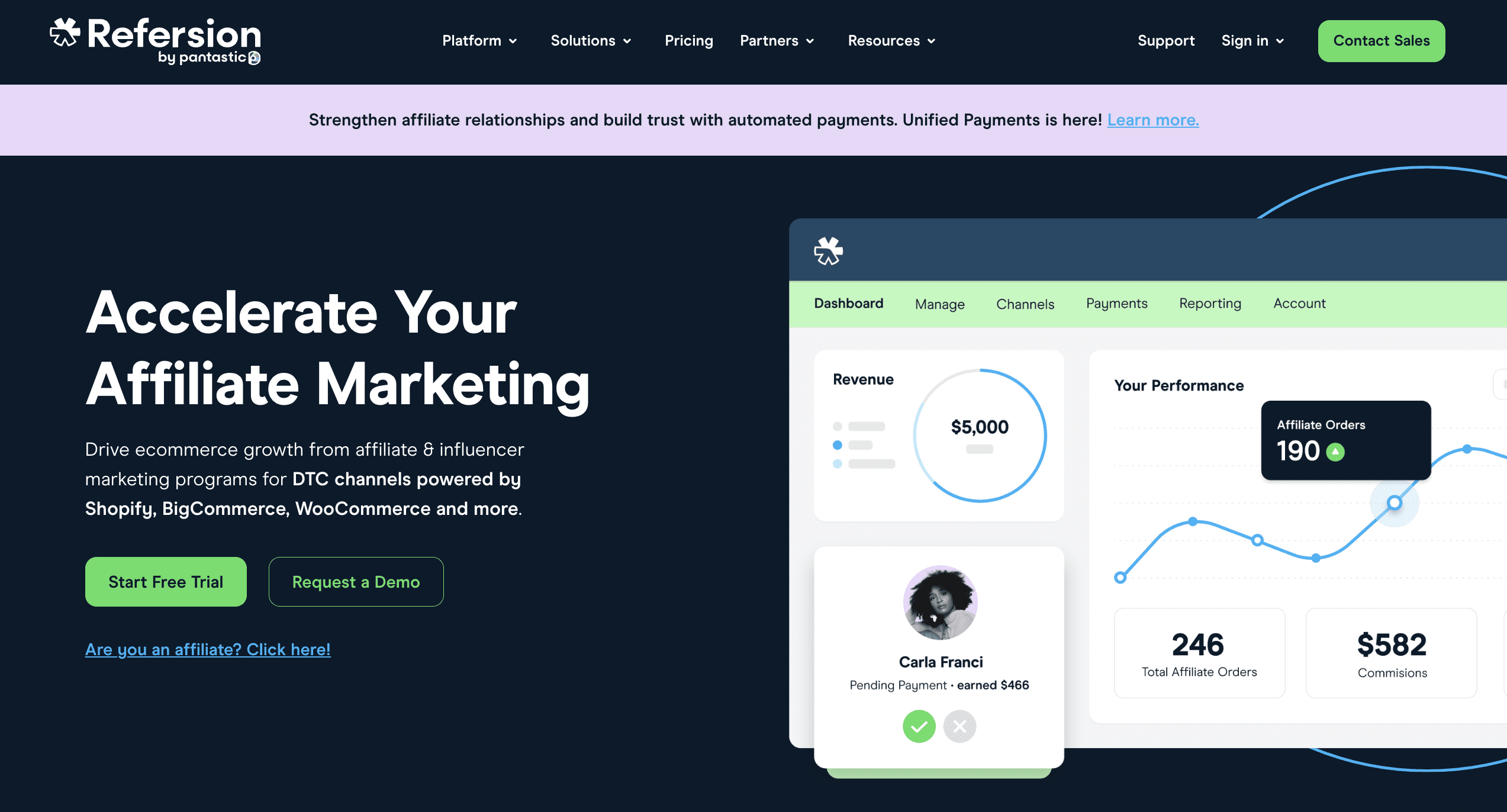
1.Refersion
Screenshot from refersion.com, August 2024
With over 60,000+ registered merchants, 6.6 million affiliates managed, and $2 billion in affiliate revenue tracked, Refersion is one of the leading affiliate marketing software platforms on the market.
Its robust and highly personalized dashboard allows brands to manage all aspects of their affiliate program, such as monitoring all aspects of their affiliate activity with extensive real-time reporting capability.
Refersion offers brands all the tools they need to scale and promote their affiliate programs, such as managing commissions, payouts, and providing simplified tax automation. It also offers easy integration with popular tools like Shopify, WooCommerce, and BigCommerce.
While Refersion does come with a higher price point than some competitors – starting at $99 per month – it’s hard to find a solution that offers the same level of top-notch affiliate tools, marketplace, and customer service.
Pricing:
The professional tier starts at $99/month (if paid annually) for up to 50 monthly order conversions.
The business tier starts at $249/month (if paid annually) for up to 200 monthly order conversions.
The enterprise tier is available with unlimited monthly order conversions – you’ll need to contact Refersion for pricing details.
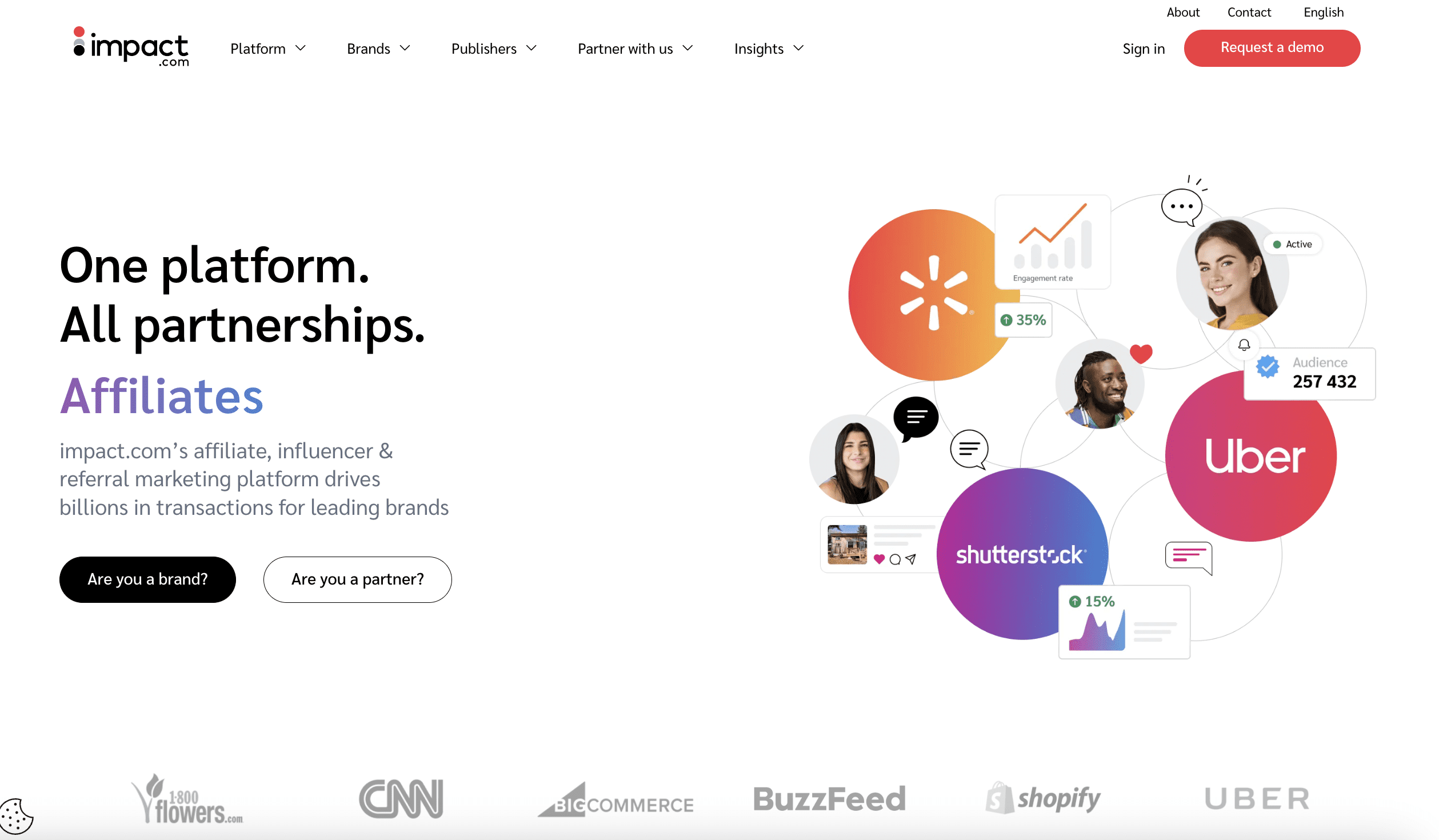
2. Impact
Screenshot from Impact.com, August 2024
Impact is one of the biggest affiliate marketing software platforms for cloud automation.
Its signature product, the Impact Partnership Cloud, allows brands to automate their affiliate and influencer marketing campaigns. It offers a marketplace where brands can connect with a network of affiliates, influencers, ambassadors, and other possible partners.
The platform’s tools also include dynamic commissioning, reporting, advanced analytics, and third-party integrations for companies to track and manage their affiliate programs.
However, pricing is not readily available, and you must contact the Impact sales team for a custom quote.
Pricing:
Custom quotes are available upon request.
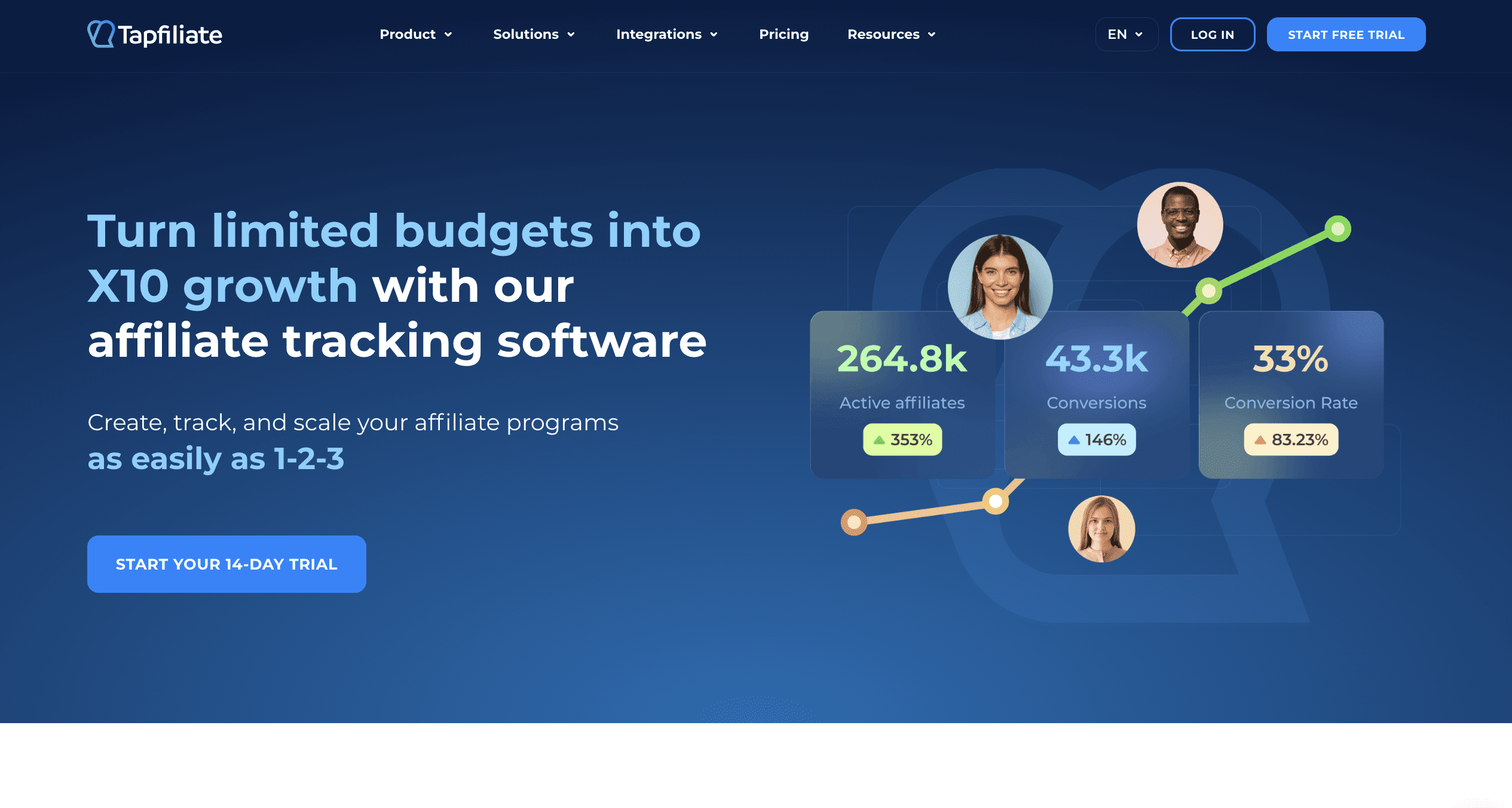
3.Tapfiliate
Screenshot from Tapfiliate.com, August 2024
For businesses primarily operating and generating their revenue on ecommerce SaaS platforms, Tapfiliate may be a great choice.
It features a range of automation capabilities, including an autopilot mode that can automate things such as onboarding new affiliates, sharing via social media, or even drip campaigns.
Tapfiliate easily integrates with major ecommerce players like Shopify and WooCommerce, and offers advanced tracking and reporting capabilities. However, most of the features are accessible only through the Pro plan, which starts at $149 a month – nothing to sneeze at.
Pricing:
The essential plan starts at $74/month for 1 team member and basic features.
The pro plan starts at $124/month for 5 team members and more advanced features.
The enterprise plan offers custom pricing for unlimited team members, unlimited tracking requests, a dedicated personal manager, and more.
4.Awin
Screenshot from Awin.com, August 2024
Awin, previously known as Zanox, merged with Affilinet in 2017 to become one of the largest affiliate marketing platforms, providing “unlimited access to over 1M vetted partners.”
It features a handful of marketing and reporting features you’d expect from such an extensive network, like tools for cross-device tracking, real-time reporting, and automated compliance management.
The platform’s Awin Access program is an interesting option for smaller businesses or teams newer to affiliate marketing, as it offers a straightforward setup process and flexible pricing to make joining the network easier.
Registration is free on Awin, but it uses a performance-based pricing model. This means brands pay a predetermined cost-per-acquisition (CPA), and specific pricing details are only available upon request.
Pricing:
Custom quotes are available upon request.
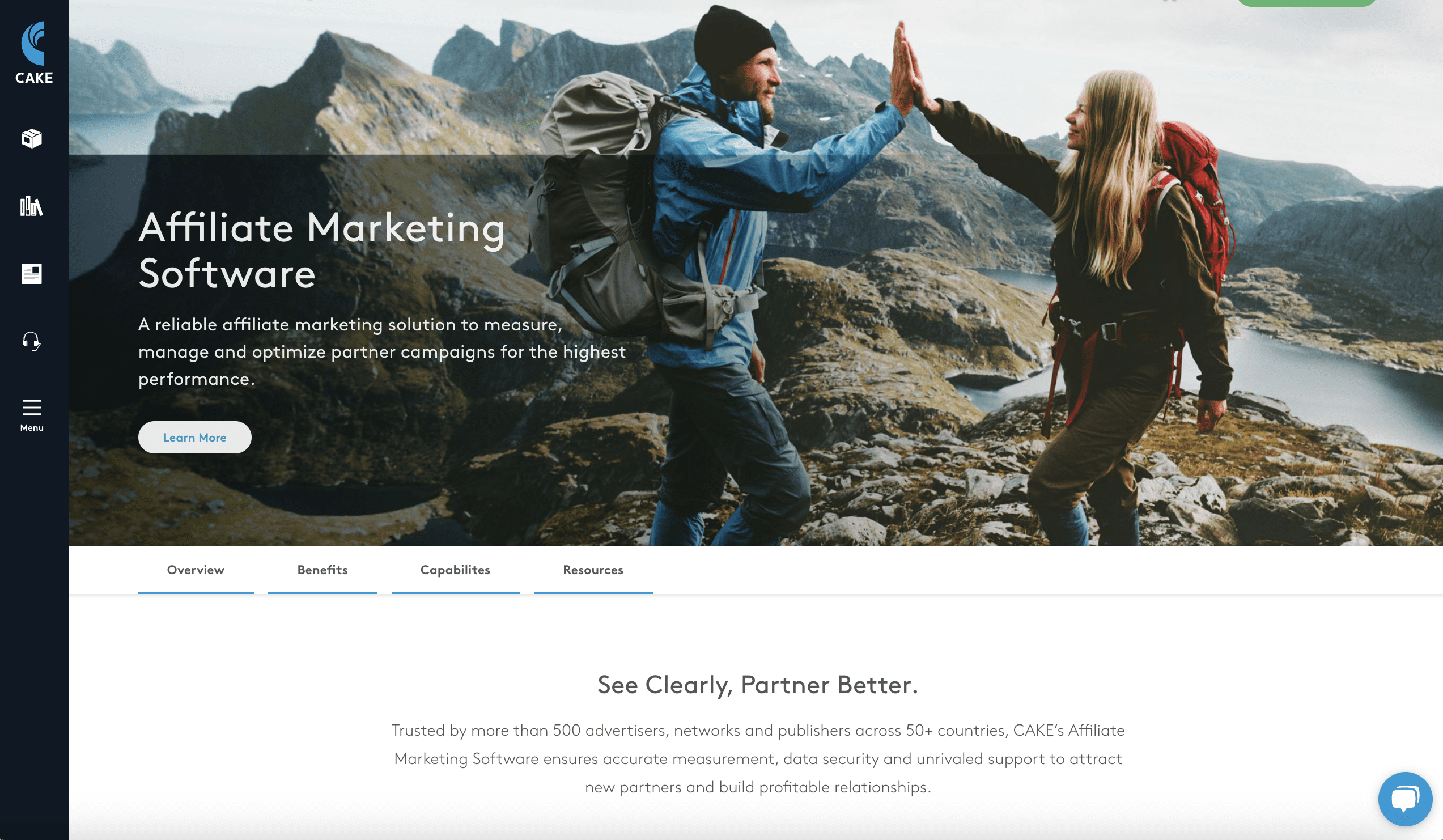
5.CAKE
Screenshot from getcake.com, August 2024
CAKE is another SaaS-based affiliate marketing platform, meaning you can access it from anywhere (with an Internet connection).
CAKE partners with a bunch of partners to offer a variety of streamlined and automated features. It’s known for its great tracking and reporting capabilities, which enable you to follow and optimize your campaigns in real time.
The platform boasts more than 500 advertisers, networks, and publishers across 50+ countries, and it offers 24/7 customer support to its users. It has customizable features, granular data analysis, and impressive fraud protection to give customers peace of mind.
Unfortunately, CAKE’s pricing is not readily available on its website. It also doesn’t feature any pre-made promotional tools for marketers, which doesn’t make it quite suitable for novice users just starting out with their affiliate program
Pricing:
Custom quotes are available upon request.
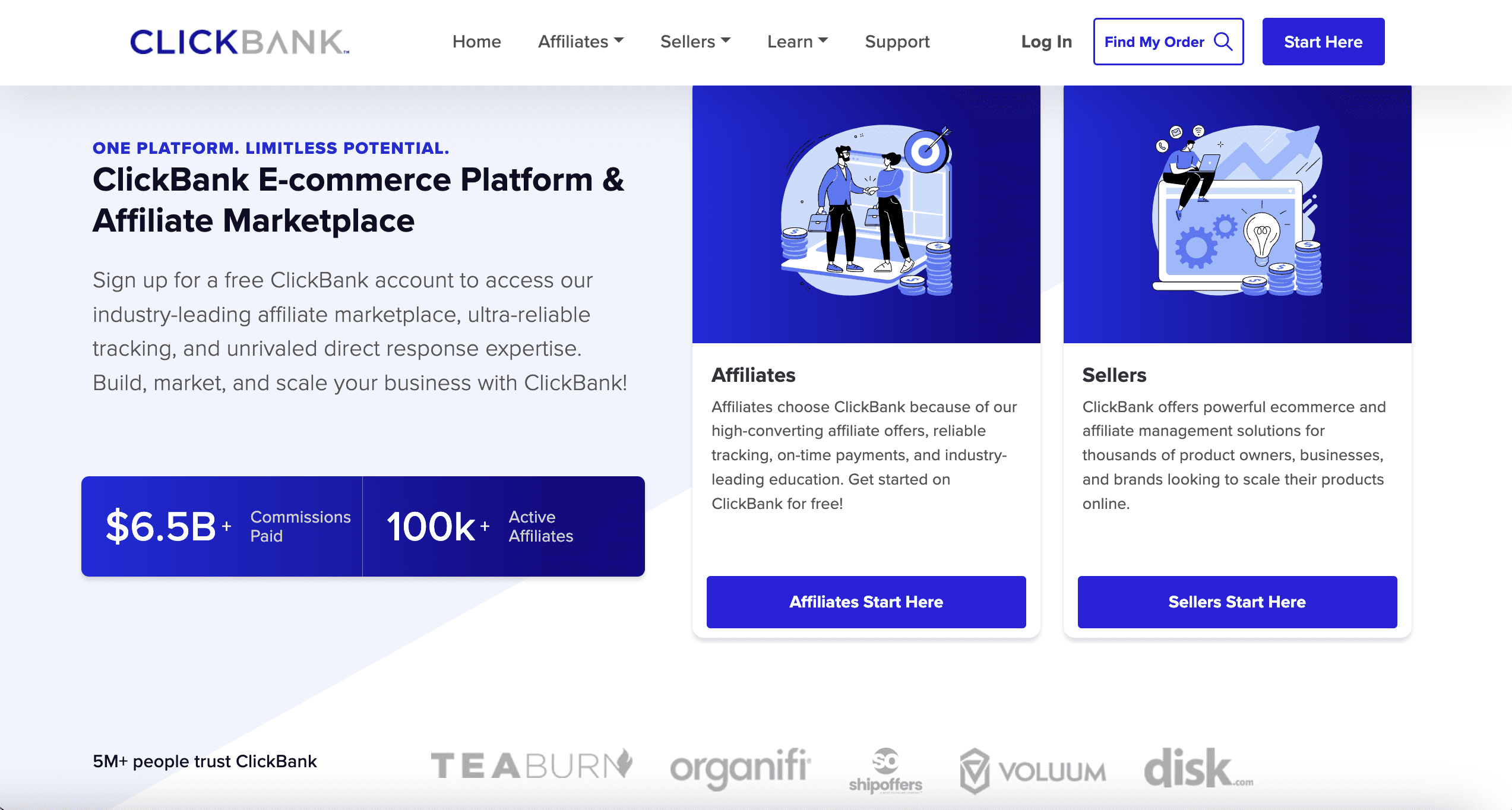
6.ClickBank
Screenshot from ClickBank.com, August 2024
ClickBank was one of the first affiliate platforms, launching all the way back in 1998. Since then, it’s grown to one of the largest affiliate marketplaces with over 200 million customers.
According to the company’s website, there are 300,000+ daily purchases made on ClickBank – and it boasts $4.2B in paid commissions.
ClickBank stands out for its native support for subscription services, which makes it easy for brands to create one-click, repeatable purchases. This allows them to provide monthly products without requiring manual monthly payments.
It also offers some of the standard features commonly found on most affiliate platforms, such as affiliate reporting, payments, commissions management, and third-party integrations. It’s quick and easy to list your products and set up affiliate programs on the platform.
However, compared to some of the other affiliate platforms on this list, it doesn’t offer a demo, free trial, or monthly pricing. Instead, ClickBank charges a one-time activation to list products on the platform and then a fee per sale.
Pricing:
One-Time Activation Fee: $49.95.
Transaction Fee: 7.5% + $1 per sale.
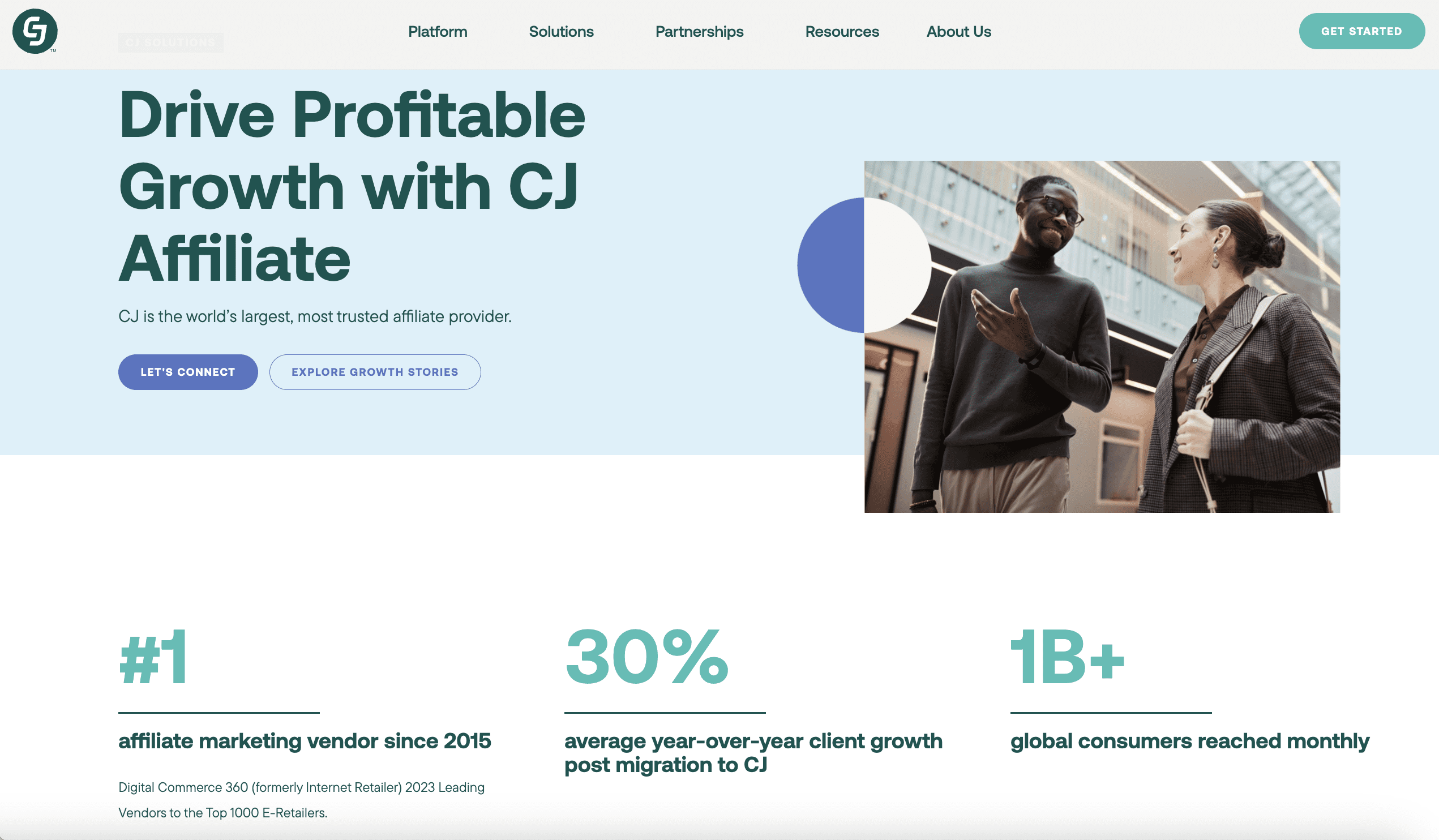
7.CJ Affiliate
Screenshot from cj.com, August 2024
CJ Affiliate is a well-known and reputable affiliate marketing platform. It offers access to hundreds of advertisers, publishers, and potential partners in one platform.
CJ Affiliate provides a customizable dashboard and a variety of reports and specialized tools, including advanced tracking and reporting capabilities. Most notably, it offers specialized tools, such as Deep Link Automation and Product Widgets, that enable brands to improve their affiliate program ROI.
While CJ Affiliate is a great choice for businesses of all sizes, it’s worth noting that the company doesn’t provide a free trial or demo, operates on a performance-based pricing model, and you’ll need to reach out for specific details.
Pricing:
Custom quotes are available upon request.
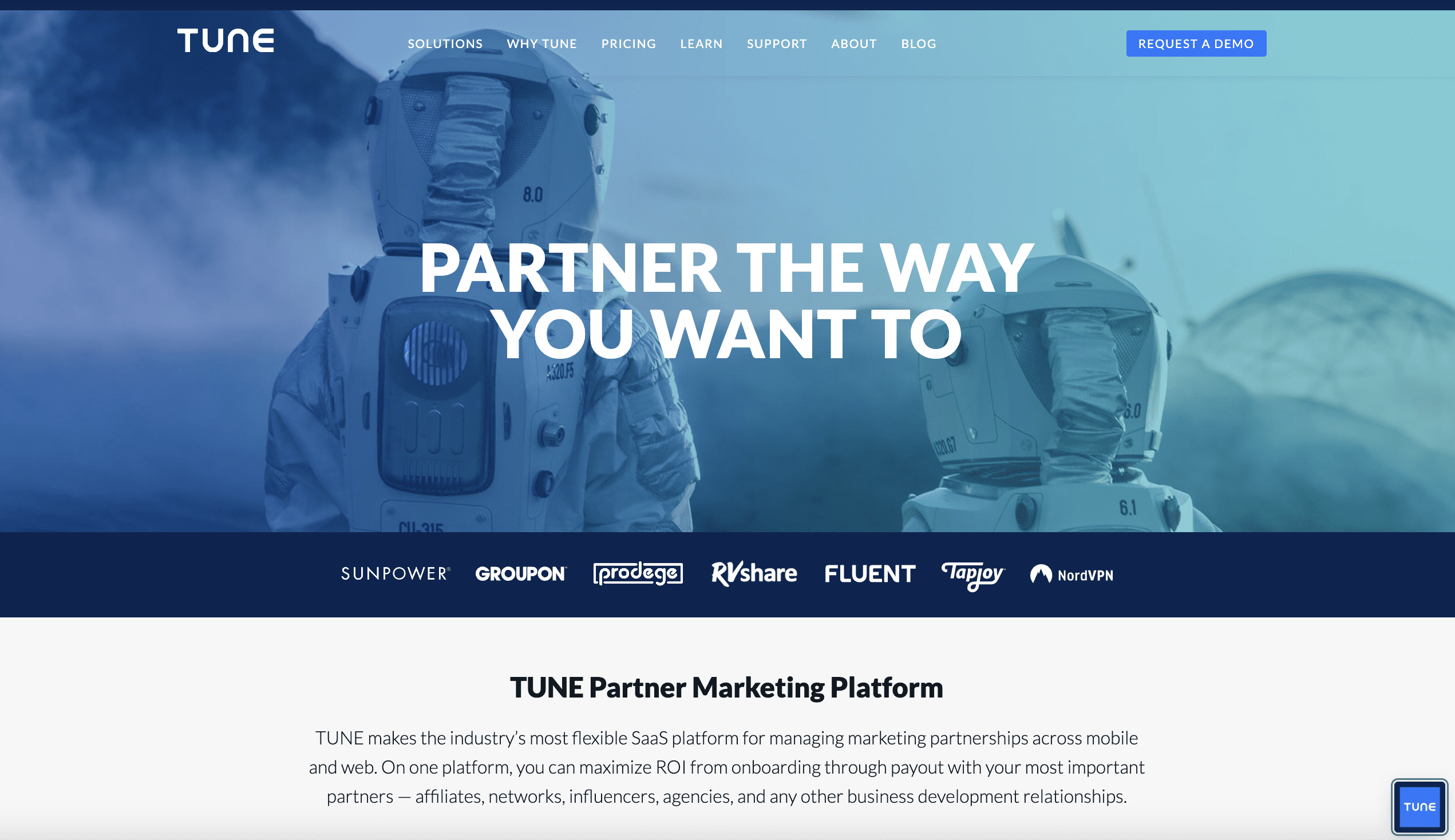
8.TUNE
Screenshot from Tune.com, August 2024
Designed for companies that require detailed tracking and analytics, TUNE allows brands to build, manage, and grow their affiliate partner networks through its proprietary marketing technology.
TUNE offers a flexible platform, which users can tweak and tailor to fit their needs. Within the platform, you have customizable tools, commissions, payments, and real-time affiliate tracking and reporting.
However, it doesn’t provide affiliate promotional tools like most other platforms, and there is no straightforward pricing listed on the website.
It does, however, list details on its different plans, including a Pro Plan with basic features up to an Enterprise Plan with features like custom integrations, premium support, enhanced fraud prevention, and more.
Pricing:
Custom quote available upon request.
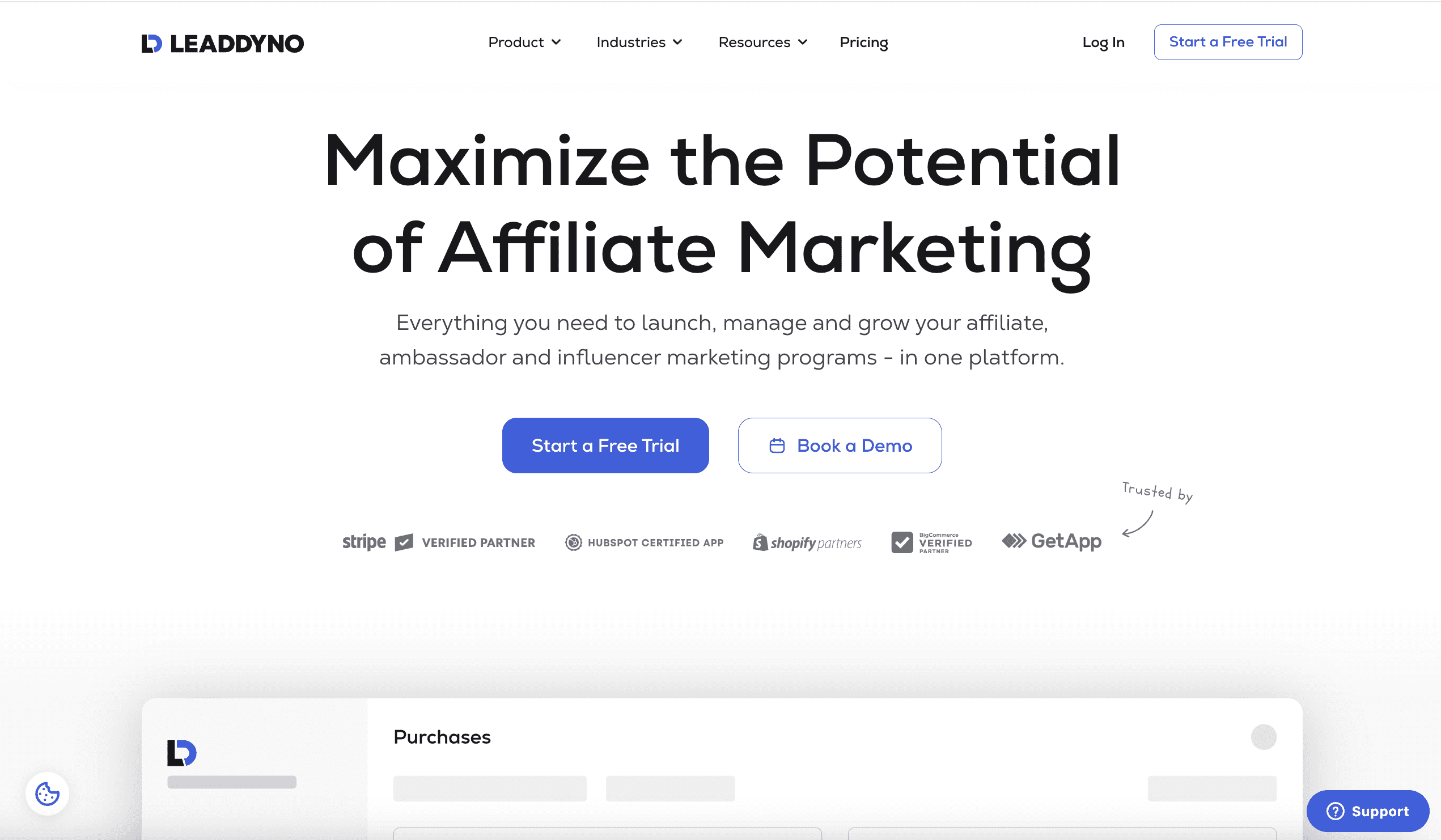
9. LeadDyno
Screenshot from LeadDyno.com, August 2024
LeadDyno specializes in affiliate program promotion and perhaps offers the most promotional tools available in an affiliate marketing software platform.
LeadDyno offers tools that enable brands to create various promotional campaigns, such as email, newsletters, and social media campaigns, making it a wonderful choice for companies that want to expand the reach of their programs.
It provides a straightforward user experience that makes it easy to onboard affiliates, track your performance, and manage payouts. Extensive real-time tracking and reporting features give businesses the ability to monitor and optimize their campaigns.
Pricing is on the affordable side and LeadDyno offers a free trial – which not all tools on this list do!
Pricing:
The lite plan starts at $49/month for up to 50 active affiliates, one commission plan, one reward structure, and other basics.
The essential plan is $129.month and offers up to 150 active affiliates, three commission plans, and one reward structure, as well as other advanced features like a landing page, 1:1 call and video support, and more.
The advanced plan is $349/month and offers up to 500 active affiliates, unlimited reward structures and commission plans, and many other advanced features.
The unlimited plan is $749/month and offers unlimited active affiliates, unlimited reward structures and commission plans, and more.
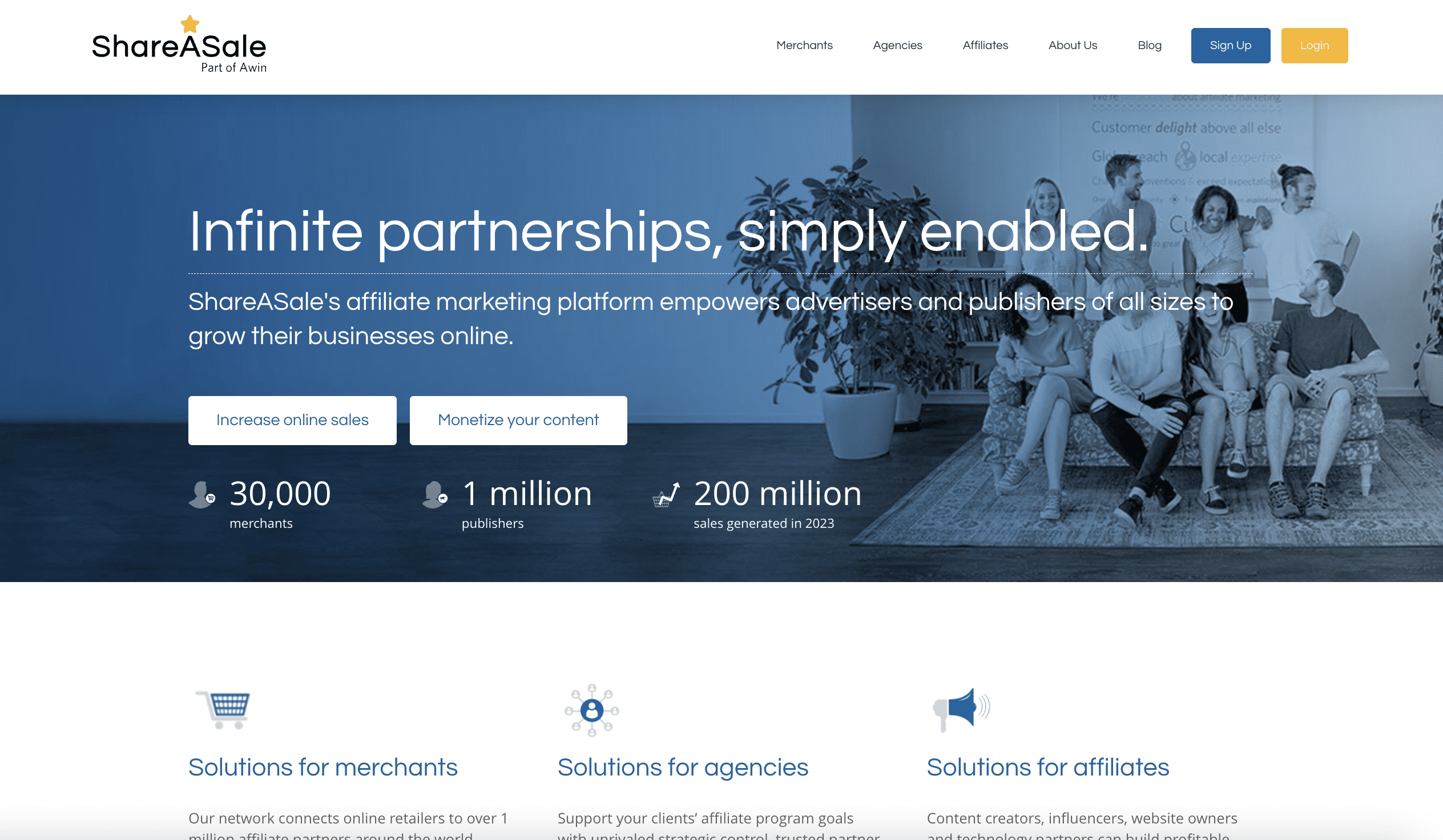
10.ShareASale
Screenshot from ShareASale.com, August 2024
With over 20 years of experience, ShareASale has been around for quite some time. It’s a reliable solution for merchants and affiliates alike, and carries a variety of tools to help boost your affiliate marketing programs.
If you’re looking for an extensive network of affiliates and partners across a ton of industries, ShareASale is a good option for you. You’ll also get access to customizable affiliable management, real-time tracking, detailed reporting, custom banner, and link generation, and plenty more.
One thing to note: like a few of the other tools listed here, ShareASale uses a performance-based pricing model that includes a one-time network access fee and then transaction fees.
Pricing:
There is a one-time setup fee of $650.
Transaction fees: 20% of each affiliate commission, with a minimum of $35/month.
Wrapping Up
Great affiliate marketing solutions enable brands to easily launch and manage affiliate programs, as well as track referrals and sales made by their affiliate partners.
The best affiliate marketing software provides brands with all the tools needed to launch, promote, and grow their affiliate program.
At the same time, they provide customizable and easy-to-use reporting capabilities for real-time performance tracking.
Without reliable tracking and reporting tools, brands cannot effectively assess the success and profitability of their affiliate campaigns and partnerships.
Google’s John Mueller answered a question about why Google indexes pages that are disallowed from crawling by robots.txt and why the it’s safe to ignore the related Search Console reports about those crawls.
Bot Traffic To Query Parameter URLs
The person asking the question documented that bots were creating links to non-existent query parameter URLs (?q=xyz) to pages with noindex meta tags that are also blocked in robots.txt. What prompted the question is that Google is crawling the links to those pages, getting blocked by robots.txt (without seeing a noindex robots meta tag) then getting reported in Google Search Console as “Indexed, though blocked by robots.txt.”
The person asked the following question:
“But here’s the big question: why would Google index pages when they can’t even see the content? What’s the advantage in that?”
Google’s John Mueller confirmed that if they can’t crawl the page they can’t see the noindex meta tag. He also makes an interesting mention of the site:search operator, advising to ignore the results because the “average” users won’t see those results.
He wrote:
“Yes, you’re correct: if we can’t crawl the page, we can’t see the noindex. That said, if we can’t crawl the pages, then there’s not a lot for us to index. So while you might see some of those pages with a targeted site:-query, the average user won’t see them, so I wouldn’t fuss over it. Noindex is also fine (without robots.txt disallow), it just means the URLs will end up being crawled (and end up in the Search Console report for crawled/not indexed — neither of these statuses cause issues to the rest of the site). The important part is that you don’t make them crawlable + indexable.”
Takeaways:
1. Mueller’s answer confirms the limitations in using the Site:search advanced search operator for diagnostic reasons. One of those reasons is because it’s not connected to the regular search index, it’s a separate thing altogether.
“The short answer is that a site: query is not meant to be complete, nor used for diagnostics purposes.
A site query is a specific kind of search that limits the results to a certain website. It’s basically just the word site, a colon, and then the website’s domain.
This query limits the results to a specific website. It’s not meant to be a comprehensive collection of all the pages from that website.”
2. Noindex tag without using a robots.txt is fine for these kinds of situations where a bot is linking to non-existent pages that are getting discovered by Googlebot.
3. URLs with the noindex tag will generate a “crawled/not indexed” entry in Search Console and that those won’t have a negative effect on the rest of the website.
Using HTML elements, SEO professionals are able to communicate information about the page to users and search bots.
This can help to clarify the importance, nature, and order of content on a page, as well as its relationship to other webpages.
What Are HTML Attributes?
Attributes are additional information added to HTML elements. They sit within the element, such as:
They are values that are used to modify the element, giving additional context about it.
In the case of the HTML tag above, the attribute, rel=”canonical” modifies the link tag to say to the search bots that this URL should be considered the canonical of a set.
Format Of HTML Attributes
HTML attributes consist of a name and a value.
For example, when defining an image, the name “src” is used and the value is the file name of the image. The “alt” attribute specifies an alternative text to show if the image cannot be displayed.
Types Of HTML Attributes
Attributes are usually classified in four ways; required, optional, standard or event.
Required attributes are ones where their absence from a tag means that tag would not function correctly.
Optional ones are, as the name suggests, not required for the tag to work but can be used to specify additional information or behaviour for that tag.
There are attributes that can be used with most HTML elements, and some that are very specific.
For example, the “style” attribute can be used to define the look of an element like the colour or font size. These universal attributes are known as “standard” or “global” attributes.
There are other attributes that can only be used with certain elements. Commonly, ones that are used for SEO will modify a link tag. These are elements like “rel” and “hreflang.”
Event attributes are added to an element to define how that element should behave in response to certain actions like a user mousing over a button. These attributes define how a function should be executed.
For example, an “onclick” attribute would define what a JavaScript function should do when a user clicks a button. These attributes allow developers to create more interactive pages from HTML tags.
Why HTML Attributes Are Important
HTML attributes are important because they allow developers to add additional context and functionality to websites.
They are particularly important for SEO because they give much-needed context to tags. They are critical in how we guide the search bots in crawling and serving webpages.
Attributes allow us to easily prevent the following of certain links, or denote which pages in a set should be served to users in different countries or using other languages.
They allow us to easily signify that a page should not be indexed. A lot of the fundamental elements of technical SEO are actually controlled through HTML attributes.
Common Attributes Used In SEO
1. Name Attribute
The name attribute is used with the tag.
It is essentially a way of specifying to any bots that may visit the page if the following information applies to them or not.
For example, including means that all bots should take notice of the “noindex” directive.
You will often hear this called the “meta robots tag.”
If the following were used , only Google’s bot would need to take notice of the “noindex” directive.
This is a good way of giving commands to some search bots that are not needed for all.
2. Noindex Attribute
The “noindex” attribute is one commonly used in SEO.
You will often hear it being called the “noindex tag,” but more accurately, it is an attribute of the tag.
It’s formulated:
This piece of code allows publishers to determine what content can be included in a search engine’s index.
By adding the “noindex” attribute, you are essentially telling a search engine it may not use this page within its index.
This is useful if there is sensitive content you want to not be available from an organic search. For instance, if you have areas on your site that should only be accessible to paid members, allowing this content into the search indices could make it accessible without logging in.
The “noindex” directive needs to be read to be followed. That is, the search bots need to be able to access the page to read the HTML code that contains the directive.
As such, be careful not to block the robots from accessing the page in the robots.txt.
3. Description Attribute
The description attribute, better known as the “meta description,” is used with the tag.
The content of this tag is used in the SERPs underneath the content of the
tag.
Screenshot from author, August 2024
It allows publishers to summarise the content on the page in a way that will help searchers determine if the page meets their needs.
This does not affect the rankings of a page but can help encourage clicks through to the page from the SERPs.
It is important to realize that in many instances, Google will ignore the content of the description attribute in favor of using its own description in the SERPs.
This is the text that a user will see on the page that looks clickable.
This is used for clickable links that will appear in the
of the page.
The tag is used to link a resource to another and appears in the
of the page.
These links are not hyperlinks, they are not clickable. They show the relationship between web documents.
5. Rel=”nofollow”, rel=”ugc” And rel=”sponsored attributes”
The rel=”nofollow” attribute tells bots that the URL within the href attribute is not one that can be followed by them.
Using the rel=”nofollow” attribute will not affect a human user’s ability to click on the link and be taken to another page. It only affects bots.
This is used within SEO to prevent search engines from visiting a page or from ascribing any benefit of one page linking to another.
This arguably renders a link useless from the traditional SEO link-building perspective, as link equity will not pass through the link.
There are arguments to say that it is still a beneficial link if it causes visitors to view the linked-to page, of course!
Publishers can use the “nofollow” attribute to help search engines determine when a linked-to page is the result of payment, such as an advert.
This can help prevent issues with link penalties, as the publisher is admitting that the link is the result of a legitimate deal and not an attempt to manipulate the rankings.
The rel=”nofollow” attribute can be used on an individual link basis like the following:
In 2019, Google announced some changes to the way it used the “nofollow” attribute.
This included introducing some additional attributes that could be used instead of the “nofollow” to better express the relationship of the link to its target page.
These newer attributes are the rel=”ugc” and rel=”sponsored.”
They are to be used to help Google understand when a publisher wishes for the target page to be discounted for ranking signal purposes.
The rel=”sponsored” attribute is to identify when a link is the result of a paid deal such as an advert or sponsorship. The rel=”ugc” attribute is to identify when a link has been added through user-generated content (UGC) such as a forum.
Google announced that these and the “nofollow” attribute would only be treated as hints.
Whereas previously, the “nofollow” attribute would result in Googlebot ignoring the specified link, it now takes that hint under advisement but may still treat it as if the “nofollow” is not present.
The purpose of the hreflang attribute is to help publishers whose sites show the same content in multiple languages.
It directs the search engines as to which version of the page should be shown to users so they can read it in their preferred language.
The hreflang attribute is used with the tag. This attribute specifies the language of the content on the URL linked to.
It’s used within the
of the page and is formatted as follows:
It’s broken down into several parts:
The rel=”alternate,” which suggests the page has an alternative page relevant to it.
The href= attribute denotes which URL is being linked to.
The language code is a two-letter designation to tell the search bots what language the linked page is written in. The two letters are taken from a standardized list known as the ISO 639-1 codes
The hreflang attribute can also be used in the HTTP header for documents that aren’t in HTML (like a PDF) or in the website’s XML sitemap.
The rel=”canonical” attribute of the link tag enables SEO professionals to specify which other page on a website or another domain should be counted as the canonical.
A page being the canonical essentially means it is the main page, of which others may be copies.
For search engine purposes, this is an indication of the page a publisher wants to be considered the main one to be ranked, the copies should not be ranked.
The canonical attribute looks like this:
The code should sit in the
of the page. The web page stated after the “href=” should be the page you want the search bots to consider the canonical page.
This tag is useful in situations where two or more pages may have identical or near-identical content on them.
9. Uses Of The Canonical Attribute
The website might be set up in such a way that this is useful for users, such as a product listing page on an ecommerce site.
For instance, the main category page for a set of products, such as “shoes”, may have copy, headers, and a page title that have been written about “shoes.”
If a user were to click on a filter to show only brown, size 8 shoes, the URL might change but the copy, headers, and page title might remain the same as the “shoes” page.
This would result in two pages that are identical apart from the list of products that are shown.
In this instance, the website owner might wish to put a canonical tag on the “brown, size 8 shoes” page pointing to the “shoes” page.
This would help the search engines to understand that the “brown, size 8 shoes” page does not need to be ranked, whereas the “shoes” page is the more important of the two and should be ranked.
Issues With The Canonical Attribute
It’s important to realize that the search engines only use the canonical attribute as a guide, it is not something that has to be followed.
There are many instances where the canonical attribute is ignored and another page selected as the canonical of the set.
The src= attribute is used to reference the location of the image that is being displayed on the page.
If the image is located on the same domain as the container it will appear in, a relative URL (just the end part of the URL, not the domain) can be used.
If the image is to be pulled from another website, the absolute (whole) URL needs to be used.
Although this attribute doesn’t serve any SEO purpose as such, it is needed for the image tag to work.
11. Alt Attribute
The above image tag example also contains a second attribute, the alt= attribute.
This attribute is used to specify what alternate text should be shown if the image can’t be rendered.
The alt= attribute is a required element of the tag, it has to be present, but can be left blank if no alternative text is wanted.
There is some benefit to considering the use of keywords within an image alt= attribute. Search engines cannot determine with precision what an image is of.
Great strides have been made in the major search engines’ ability to identify what is in a picture. However, that technology is far from perfect.
As such, search engines will use the text in the alt= attribute to better understand what the image is of.
Use language that helps to reinforce the image’s relevance to the topic the page is about.
This can aid the search engines in identifying the relevance of that page for search queries.
It is crucial to remember that this is not the primary reason for the alt= attribute.
This text is used by screen readers and assistive technology to enable those who use this technology to understand the contents of the image.
The alt= attribute should be considered first and foremost to make websites accessible to those using this technology. This should not be sacrificed for SEO purposes.